
Inventory and Purchasing Software with Lot Tracking
Always know what you have, and what it cost.
Purchase orders, vendor bills and stock are all connected in The Business Assistant™, and sales draw from specific lots. Receiving, costs and the general ledger stay in step.
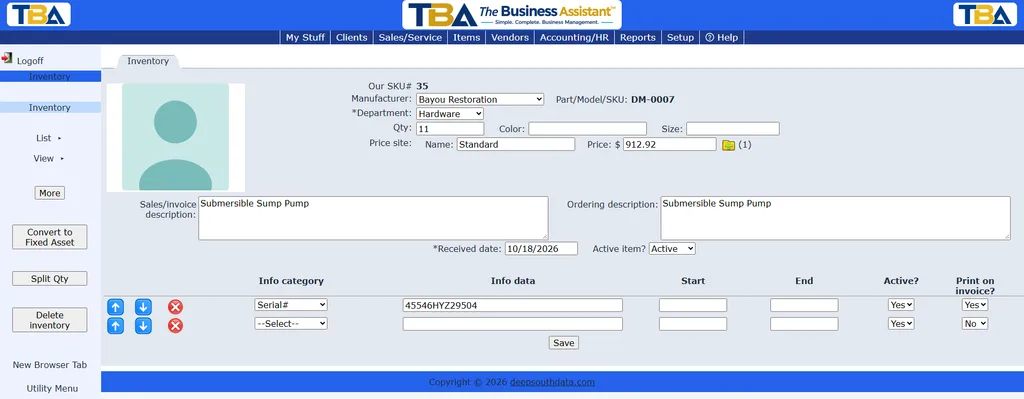
Inventory, lot by lot
- Stock is tracked by lot, with the cost of each lot and item
- Orders allocate specific lots, so you know what is committed
- Add/adjust stock manually, with the adjustment posted to the general ledger
- Design and print price tags from your items and stock
Purchasing and vendors
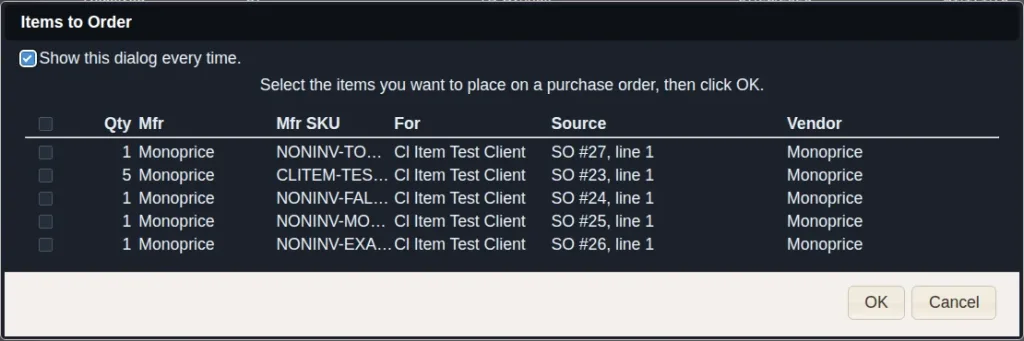
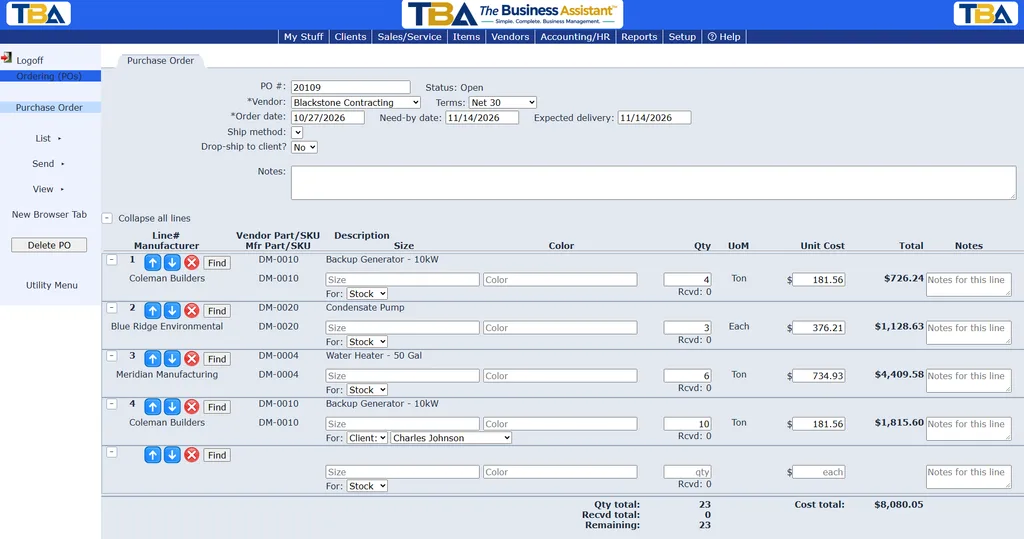
Purchase orders
Create purchase orders, track what has been received, and attach several orders to a single vendor bill.
Vendor bills
Enter a bill and receive the items into inventory in the same step. Pay bills from the system and keep AP aging current.
Vendor returns and credits
Return items to a vendor from the original bill. Follow the return until the vendor’s credit memo is recorded, the item is replaced, or the return is cancelled. Vendor credits are applied when you pay bills.
Vendor records and payments
- Vendor tax information and 1099 tracking
- Quick Payment for disbursements that don’t need a bill, to vendors, employees or customers
- Accounts payable aging with drill-down to the bills

Bring your stock under control
Start now and pay half price for your first 3 months.