
If a vendor is a contractor or individual you need to issue a 1099 to at year end, track their tax information here. It is kept separate from the main vendor record so only people who need it see it.
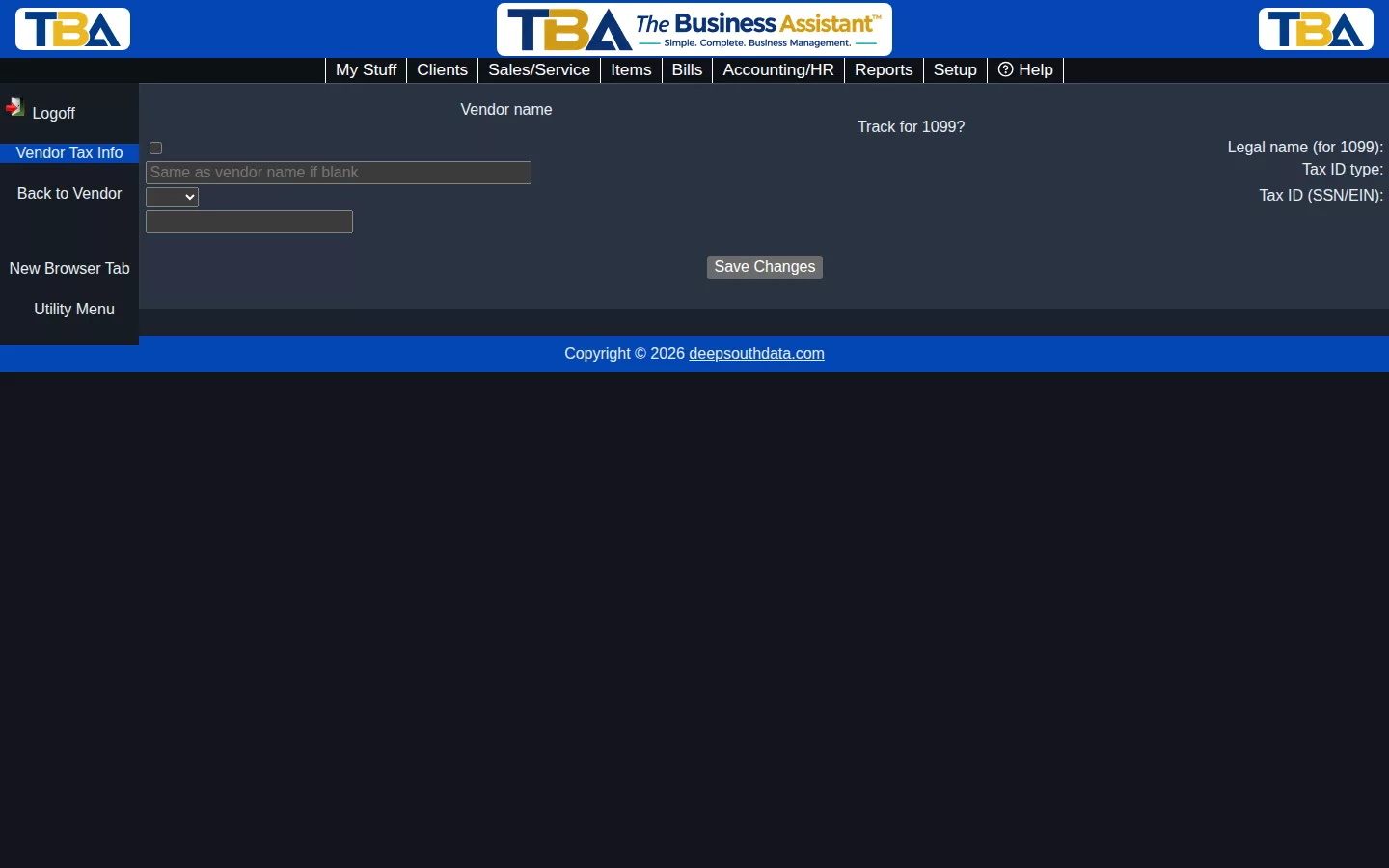
Getting Here #
Open the vendor and choose View → Tax Info in the sidebar. Use Back to Vendor to return. Access is controlled by the vendor tax permissions in Users and Permissions.
Fields #
- Vendor name — shown for reference.
- Track for 1099? — check this to flag the vendor for 1099 reporting.
- Legal name (for 1099) — defaults to the vendor’s name if left blank; use this when the legal/tax name differs from how you refer to them day-to-day.
- Tax ID type — choose SSN (an individual or sole proprietor) or EIN (a business).
- Tax ID (SSN/EIN) — the vendor’s taxpayer ID, used for 1099 filing.
Click Save Changes to keep your entries.
Related #
Payments you make to the vendor are recorded through Bill Payments and Quick Payment.


