
Fixed Assets tracks equipment and property your company owns for its own use (not to sell) — their cost, accumulated depreciation, and status.
Where Fixed Assets Come From #
Fixed assets aren’t added directly here — they’re created from an Inventory lot’s own Convert to Fixed Asset action (for something you bought to use rather than resell), or imported from QuickBooks (see QuickBooks Import).
The Asset Register #
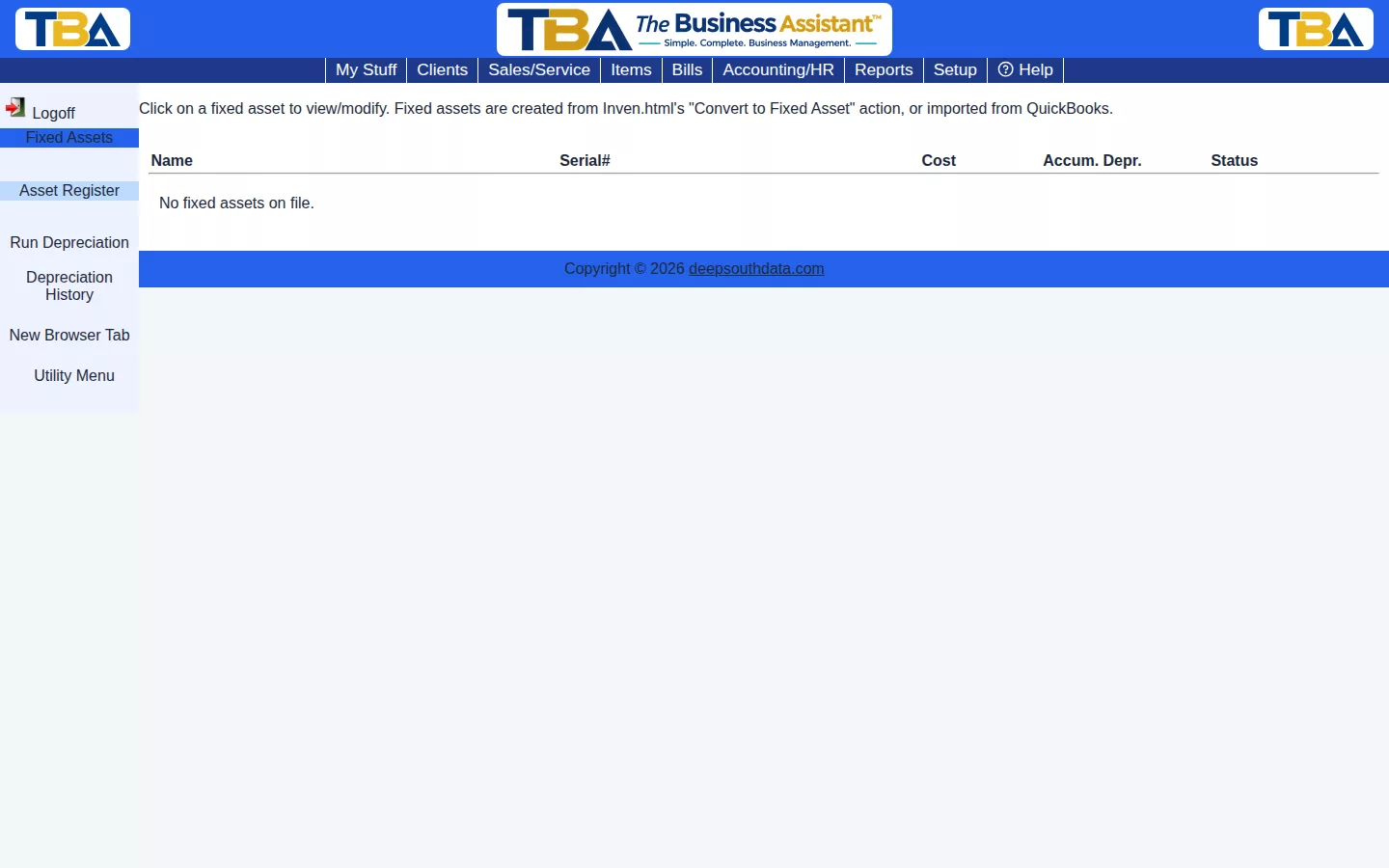
Columns: Name, Serial#, Cost, Accum. Depr. (depreciation so far), and Status. Click an asset to open it. The sidebar has Asset Register, Run Depreciation, and Depreciation History.
The Asset Page #
- Asset# and Name (required), and Serial#.
- Cost basis — what the asset cost. Use tax accrued — any use tax recorded with it.
- Qty — how many units this record covers.
- Placed in service — the date depreciation starts.
- Useful life (months) (required) — how long the asset is depreciated over.
- Salvage value — what it is expected to be worth at the end. It is not depreciated.
- Depreciation method — straight-line (equal amounts each month).
- Fixed Asset account (required), Depreciation Expense account, and Accumulated Depreciation account — the G/L accounts the asset and its depreciation post to (see G/L Accounts).
- Accumulated depreciation to date — what has been depreciated so far.
- Status — Active, Disposed, or Sold. When you dispose or sell an asset, enter the Disposal date and Disposal amount.
- Notes, Site, Purchased from (the vendor or bill it came from), and Originally item (the item it was converted from).
Click Save to keep changes. Delete asset removes the record; if it was converted from inventory before any depreciation posted, the stock goes back into inventory.
Depreciation #
- Run Depreciation — enter a Run date. TBA calculates depreciation for every active, not-yet-fully-depreciated asset through that date and posts one balanced entry (debit Depreciation Expense, credit Accumulated Depreciation) to the General Ledger. Re-running for the same date is safe: assets already posted for that date are skipped.
- Depreciation History — every past run, so you can review what was posted.


