
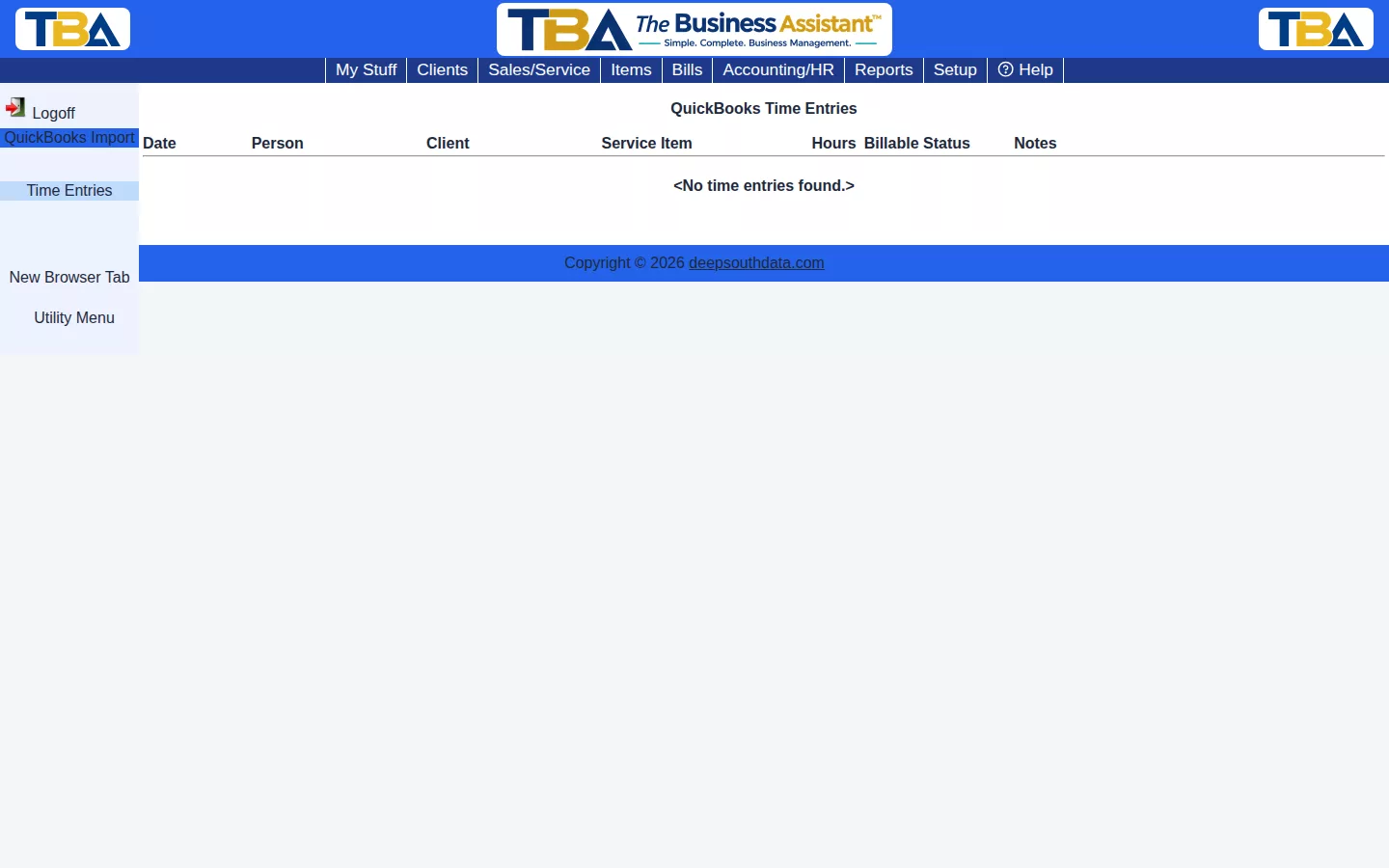
QB Time Entries shows time entries brought in through QuickBooks Import — who logged the time, which client and service item it’s tied to, hours, billable status, and notes.
This is a review list for imported historical time data — ongoing time tracking going forward uses TBA’s own Time Tracking Calendar and Timeclock.
The Columns #
Date, Person, Client, Service Item, Hours, Billable Status, and Notes. Use it to check that the hours QuickBooks held for each client and service came across correctly. The list is for review; it is not where you enter new time. Enter ongoing time on the Time Tracking Calendar, and bill time through Service lines on invoices. To bring in the import itself, see QuickBooks Import (the Time Tracking table).


