
The Sales Summary report totals what you’ve sold over a period, grouped by Item Type or Department.
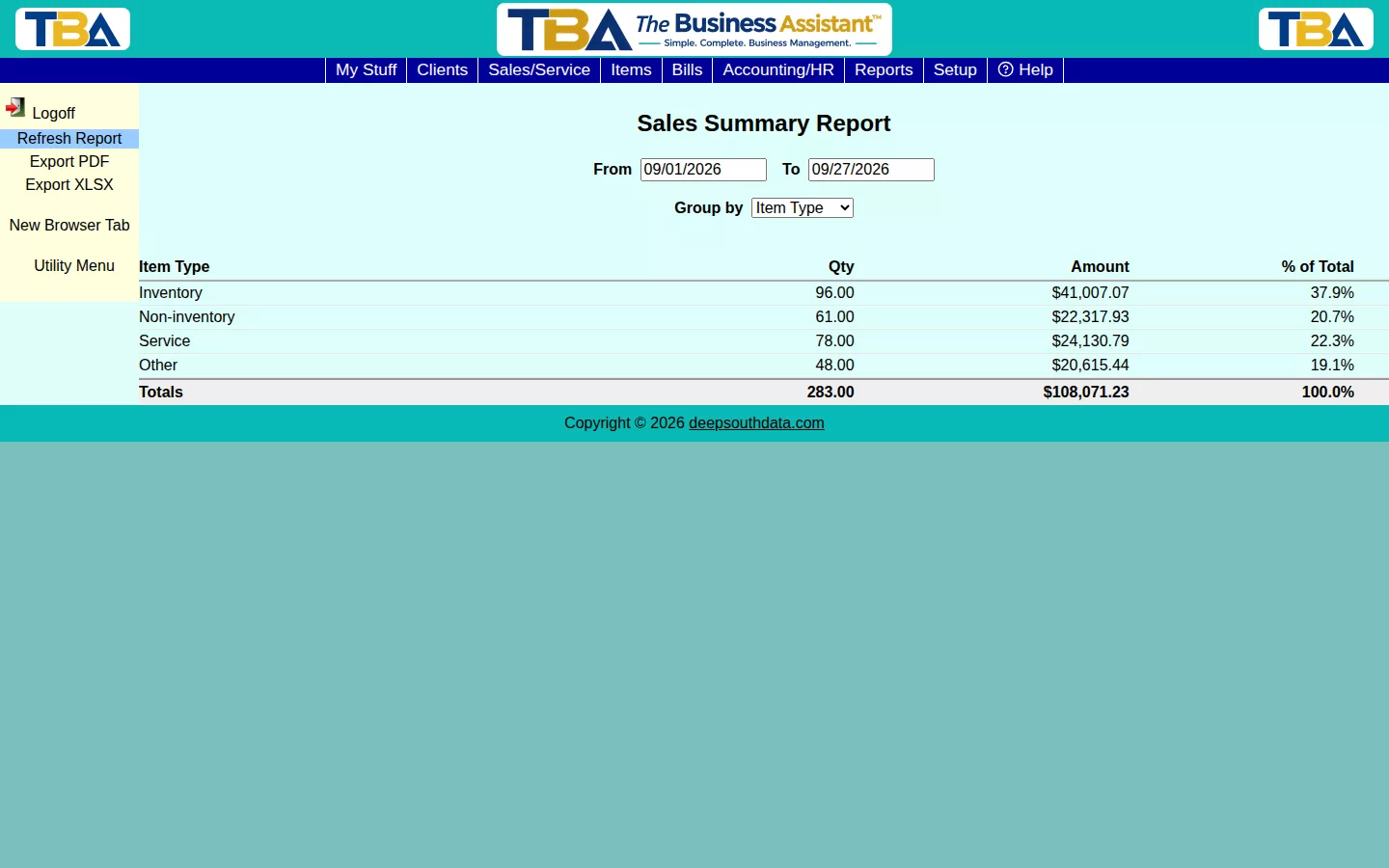
Options #
Set a From/To range and pick Group by (Item Type or Department). Each row shows quantity sold, dollar amount, and percent of total — a quick read on where your revenue is actually coming from.
The Columns and Drilldown #
Each row has the group name (an item type such as Inventory item, Service, or Other, or a department), Qty, Amount, and % of Total. You can limit it to one Site. Click a row to see the Sales Detail: the invoice lines behind it with Invoice #, Date, Client, Description, Qty, Unit Price, and Amount. It is built from invoices. Export PDF and Export XLSX save a copy.


