
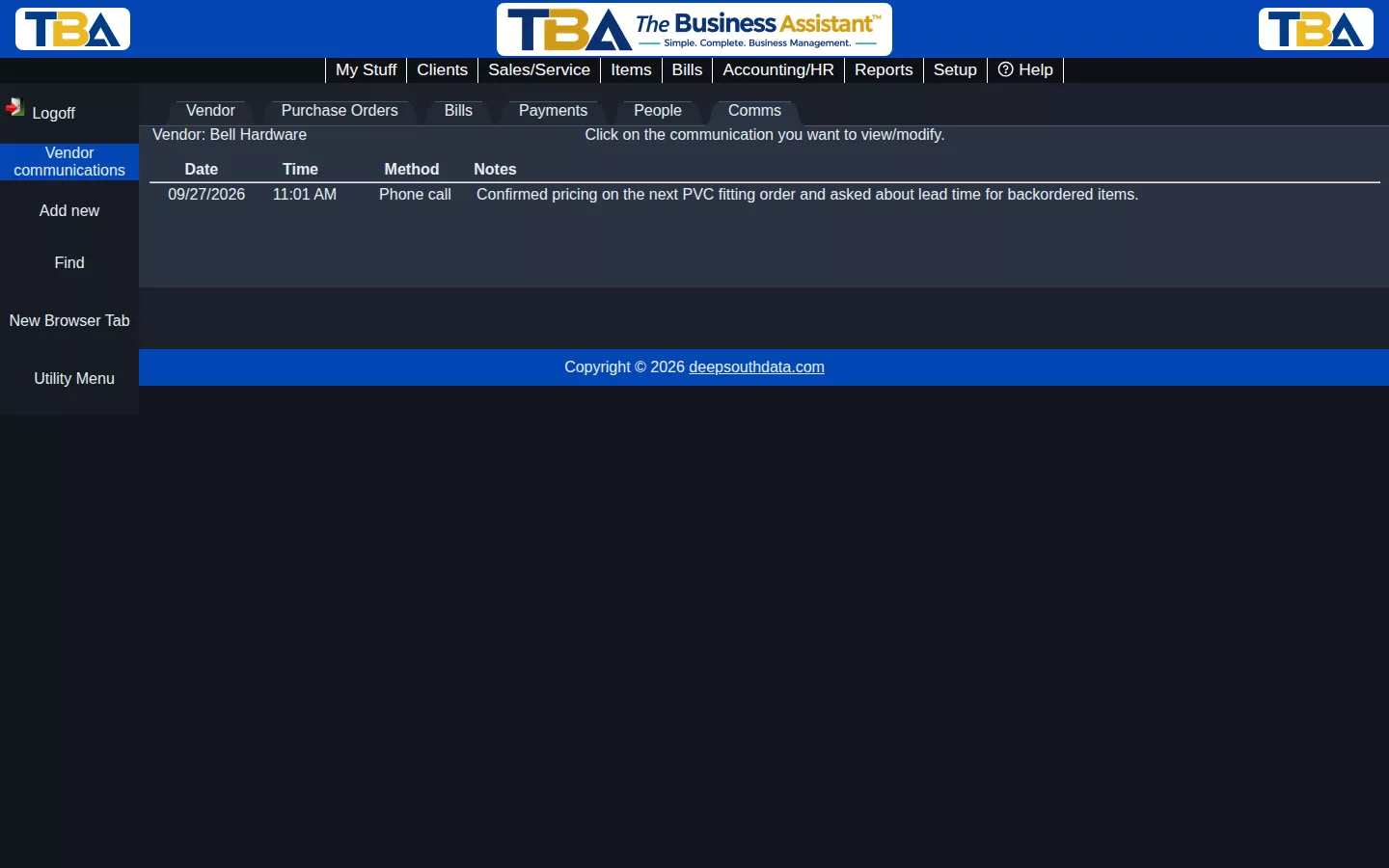
The Comms tab in Vendor Mode is a running log of every communication you’ve had with a vendor — the same idea as Client Communications, just for the vendors you buy from.
Logging a Communication #
Click Add new, choose the Communication method (phone call, text, email, Teams/Zoom meeting, in person, or other), and fill in the start/end time and your notes. You can also record who participated.
Why Keep a Log #
If more than one person on your team places orders or handles issues with a vendor, this log keeps a shared record — pricing discussions, lead-time updates, or problem resolutions aren’t lost when they only lived in one person’s inbox.


