
The Accounting/HR section is where you manage your books and your people. This covers the accounting half — banking, journal entries, fixed assets, and the chart of accounts. Personnel and time tracking are covered in Human Resources.
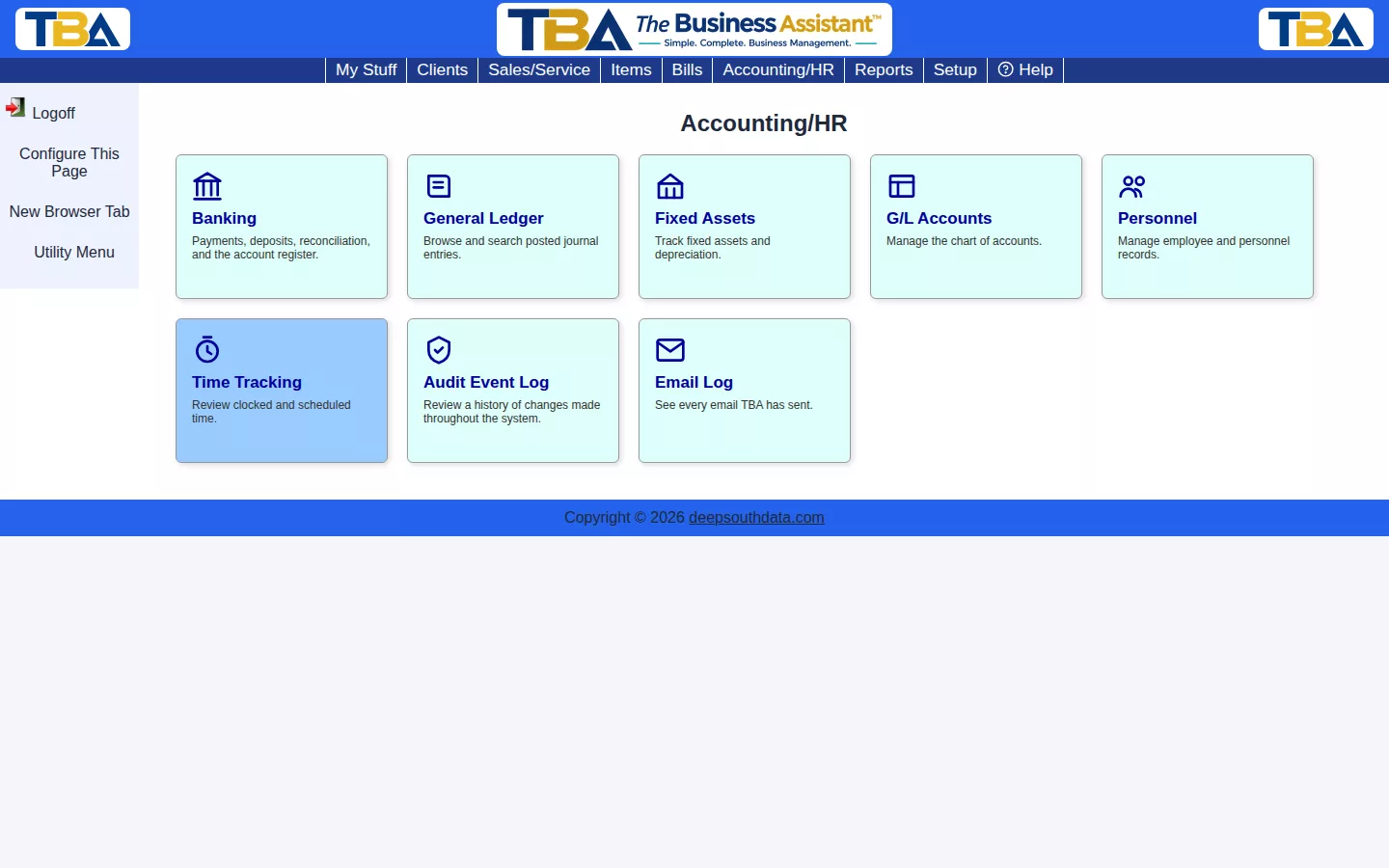
Click a tile to open it, or hover to see its sub-pages. You can rearrange or hide tiles with Configure This Page at the top; each person’s arrangement is their own. Which tiles you see depends on your permissions (see Users and Permissions).
- Banking Overview — the account register, payments, deposits, bank data import, and reconciliation.
- General Ledger — every journal entry, double-entry and balanced, including manual entries.
- G/L Accounts — your chart of accounts.
- Fixed Assets — track assets and depreciation.
- Fiscal Year & Year-End Closing — accounting periods and closing a year.
- Audit Event Log — a history of changes made throughout the system.
- Email Log — every email TBA has sent.
Financial statements built from these books — Trial Balance, Balance Sheet, Profit and Loss, and Cash Flow Statement — are in Reports. Default accounts for routine transactions are chosen in Default G/L Settings.


