
Sales Tax defines the tax codes used across TBA — on Clients, items, and orders — and feeds the Sales Tax Liability report.
Tax Item vs. Tax Group #
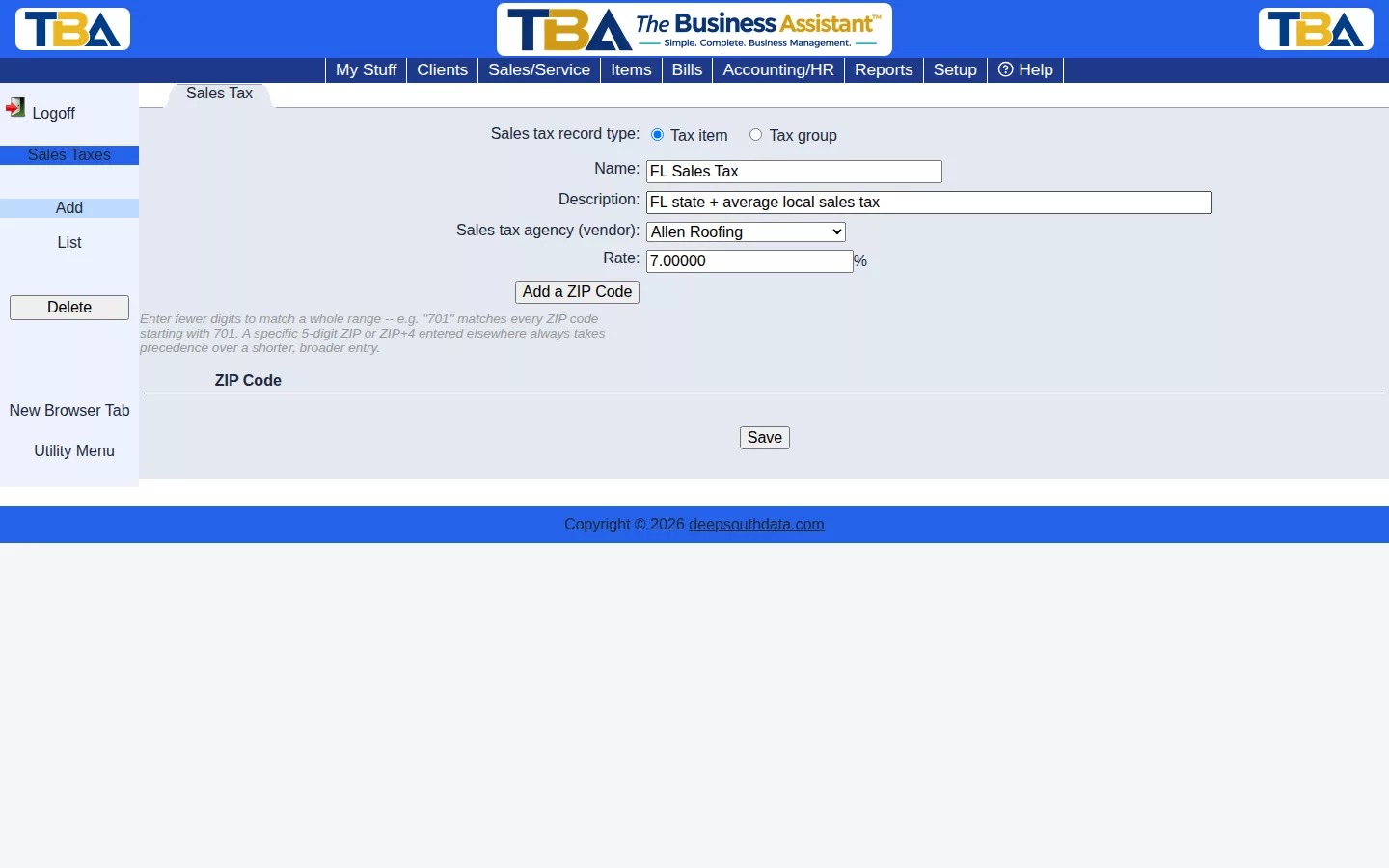
A Tax item is a single rate; a Tax group combines multiple tax items into one (e.g. state + county + city). Each has a name, description, and a Sales tax agency (the vendor you remit collected tax to). Information for each sales tax agency is entered in the Vendor list.
ZIP Code Lookup (optional) #
Click Add a ZIP Code to map ZIP codes (or ranges, like “701” for every ZIP starting with 701) to this tax code — used to automatically determine the right sales tax code for a client or order based on delivery address. A specific 5-digit ZIP or ZIP+4 entered elsewhere always takes precedence over a shorter, broader entry.
The Tax List and Fields #
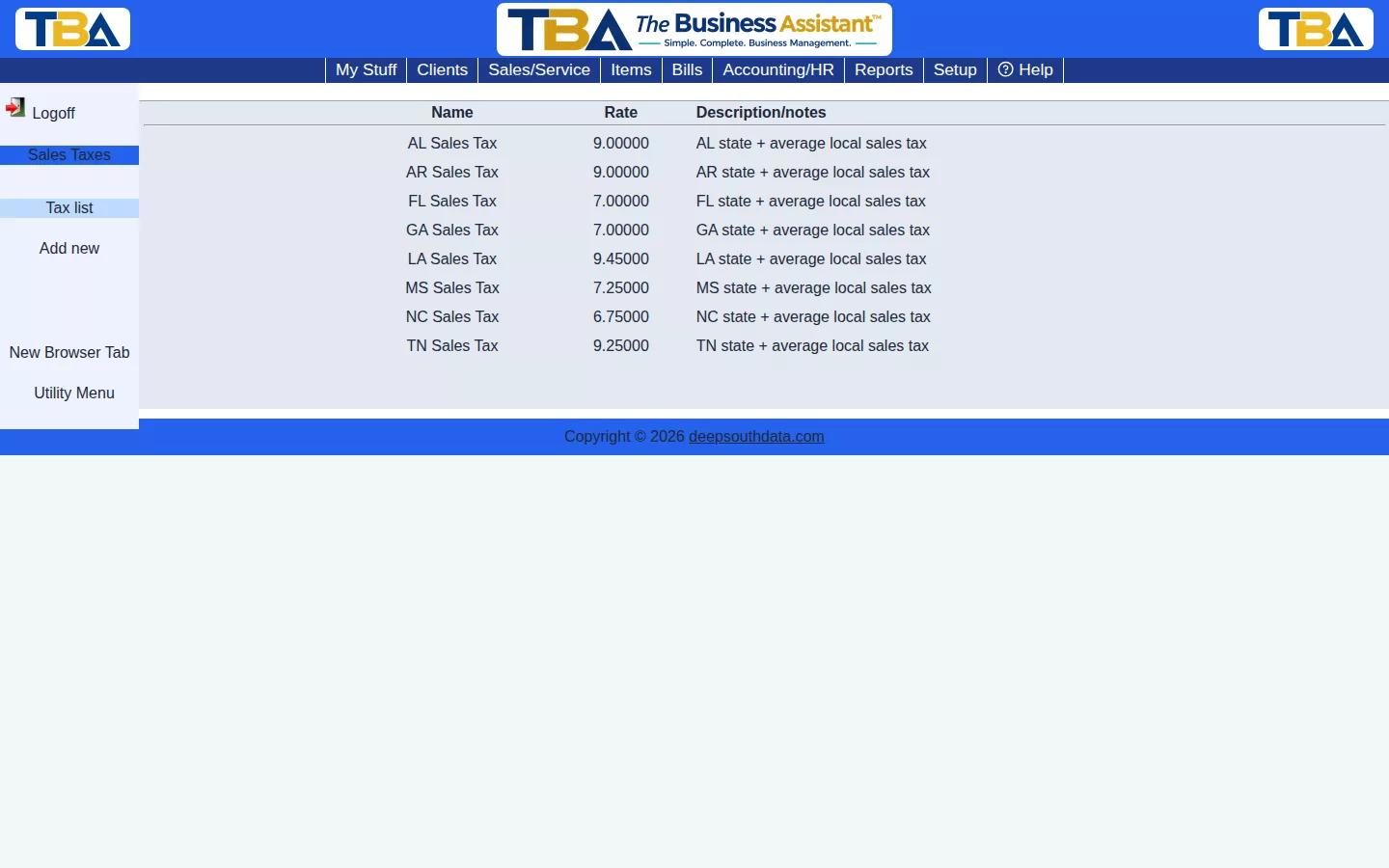
The list shows each code’s Name, Rate, and Description/notes. Click one to edit it, or Add new.
- Sales tax record type — Tax item or Tax group.
- Name and Description.
- Sales tax agency (vendor) — the vendor you pay the collected tax to. Create the agency as a vendor first.
- Rate — the percent, for a tax item.
- For a Tax group, the table of its member tax items (with each one’s rate); add items to the group from the Select Tax Item list. The group’s rate is their total.
- ZIP Code list — add as many as you like. Enter fewer digits to match a range (for example “701” matches every ZIP starting with 701).
Where the Code Is Used #
- A client’s default code is set on Client Details. When a client has a delivery address, TBA can suggest the right code from the ZIP lookup.
- Each quote, order, and invoice picks one code, which can be overridden per document, and each line is marked taxable or not.
- Totals feed the Sales Tax Liability report, which shows what you owe each agency.


