
The Items section is where you manage everything about what you sell or stock: pricing and descriptions, on-hand inventory, purchase orders to restock, and the departments you use to organize it all.
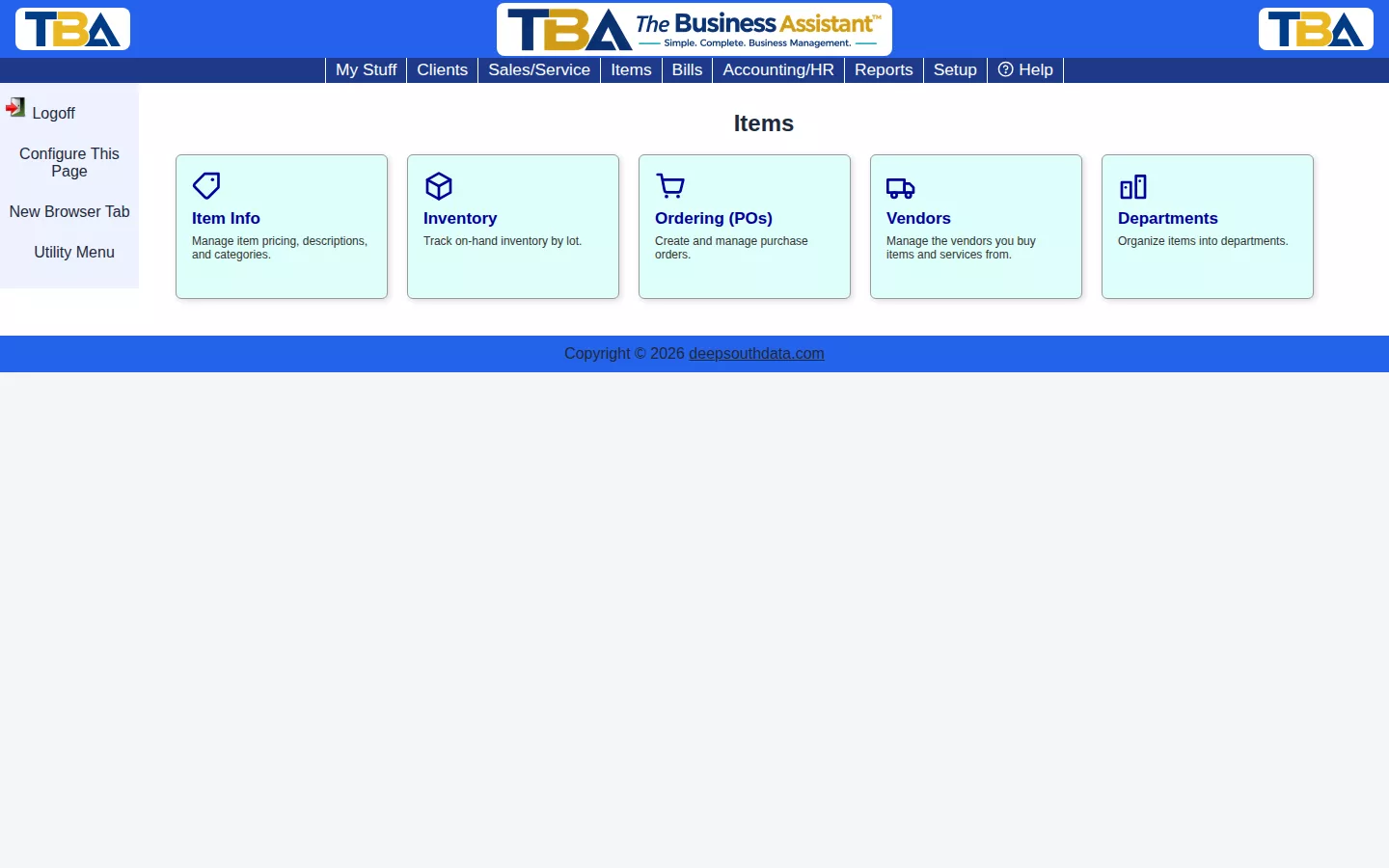
- Item Info — the master record for each item: manufacturer, vendor, department, unit of measure, and sell price.
- Inventory — individual on-hand lots for inventory-type items.
- Purchase Orders — order stock from a vendor and receive it into inventory.
- Departments — the categories items are organized into.
Vendors (who you buy from) are covered in their own section, since you also reach them from Bills.
Searching Across Everything #
To find an item, a lot, or a client’s purchase by a serial number, UPC, or price, use Global Find on the My Stuff tab. It searches items, inventory, and the documents they appear on in one step.


