
The Timesheet Report totals each employee’s payroll hours for a period — clocked, scheduled, and manually entered time combined — ready to hand off for payroll processing.
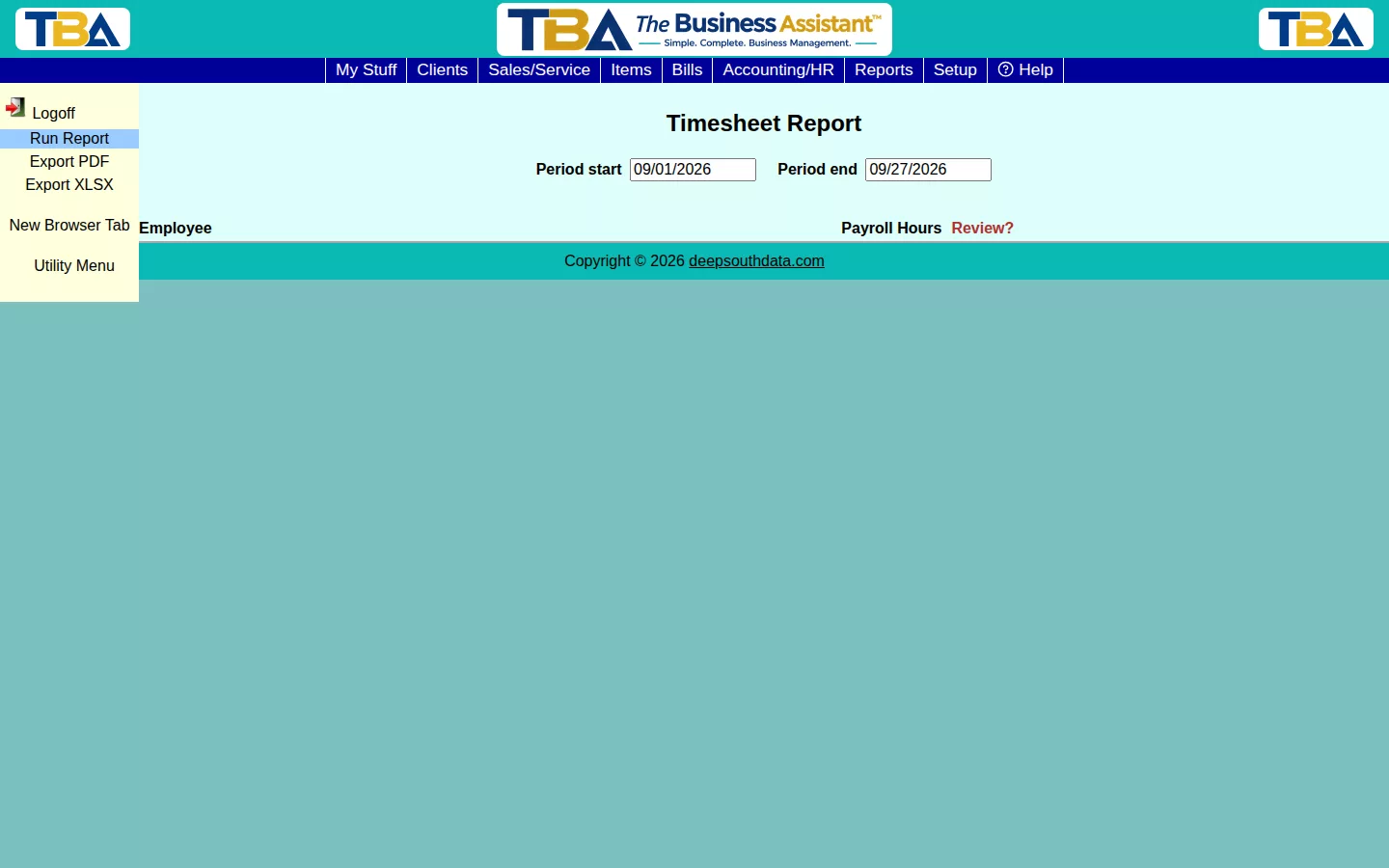
Options #
Set Period start and Period end, then click Run Report. The Review? column flags entries that may need a closer look (e.g. missing clock-outs) before you finalize hours.
See the Time Tracking Calendar for a day-by-day view of the same underlying data.
Details and the Review Flag #
Tick Show details to list each day under every employee. Columns: Employee, Payroll Hours, and Review?. Click an employee to open the Daily Breakdown: Date, Clocked (from the timeclock), Other (SO/Manual) (hours on service orders and manual entries), Payroll Hours, and Review?. Overlapping time from different sources is counted once, not twice. A day flagged Review: missed punch? probably has a missing clock-out; click it to open the Time Tracking Calendar entry and fix it (see Time Tracking Calendar), then run the report again. Export PDF and Export XLSX save a copy. Requires Timesheet functions to be turned on in General Options.


