
Service Holidays lists the dates Service Rate Rules uses to apply holiday pricing.
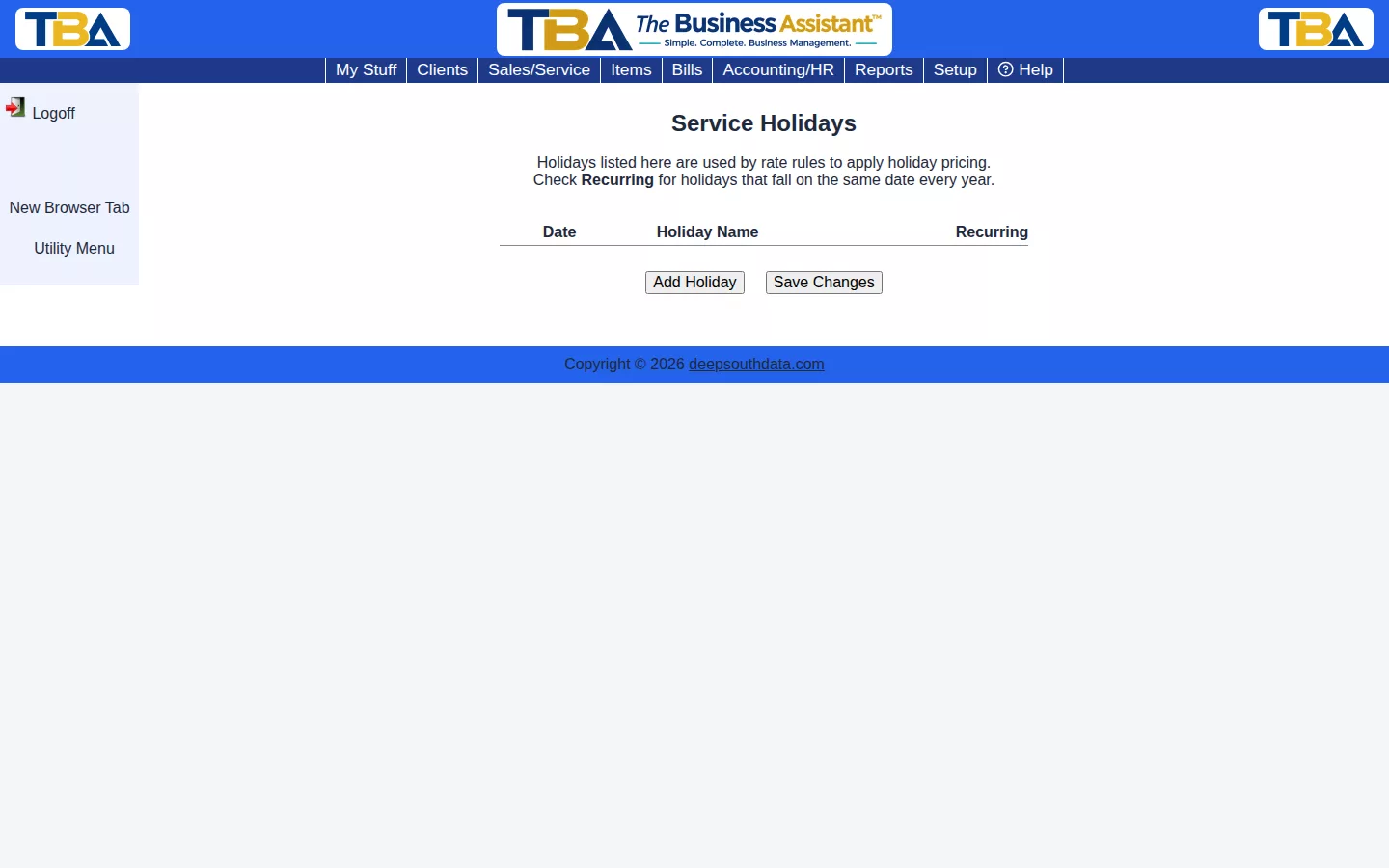
Click Add Holiday, enter its date and name, and check Recurring for holidays that fall on the same date every year (like July 4th) so you don’t have to re-enter them annually. Click Save Changes when done.
The Holiday List #
Columns: Date, Holiday Name, and Recurring. Click Add Holiday for a new row, fill it in, and click Save Changes. Delete a holiday with the X at the end of its row.
- Recurring — tick for holidays that fall on the same calendar date every year, such as July 4th or Christmas, so you never re-enter them. Leave it unticked for floating holidays such as Thanksgiving, and add each year’s date.
How It Is Used #
A Service Rate Rule set to Holidays only applies when a Service line’s date is on this list. For example, a 2X rule for holidays doubles the hourly price for work done on those dates on orders and invoices.


