
Units of Measure defines the unit choices available on every Item’s Unit of measure field.
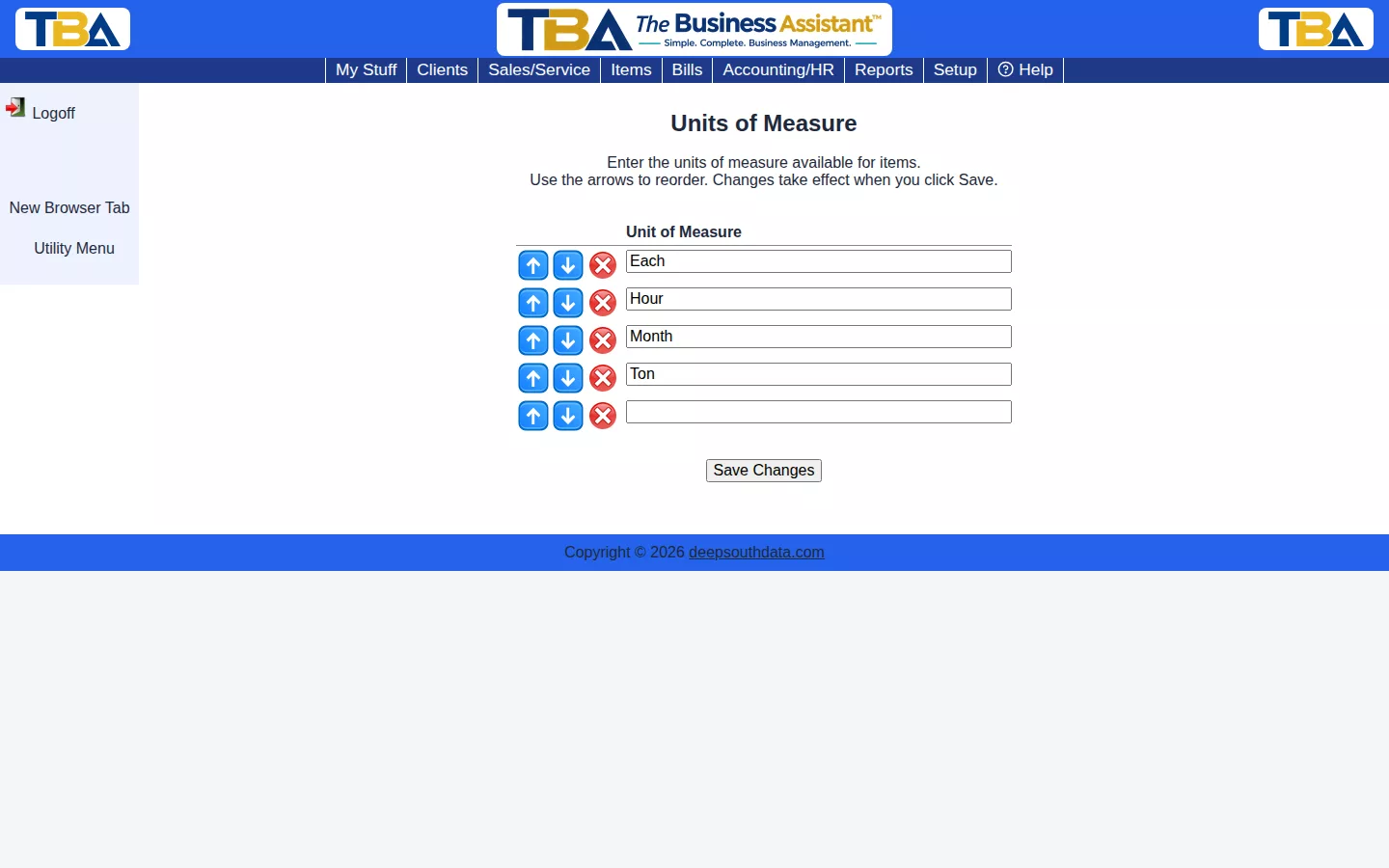
Every company starts with four defaults — Each, Hour, Month, and Ton. Add your own by typing into a blank row, reorder with the arrows, and click Save Changes.
Using the List #
- Type a name into a blank row to add a unit; a new blank row appears below it.
- Use the arrows to reorder. The first unit is the default for new lines, so put your most common one first.
- Click the red X to remove a unit.
- Nothing is saved until you click Save Changes.
Where Units Are Used #
The Unit of measure on an Item, and the UoM column on every line of a quote, order, invoice, purchase order, and bill. Units named Hour or Day are special: on a Service line they unlock the Started/Ended times and the Rate type, so keep those names if you bill by time.


