
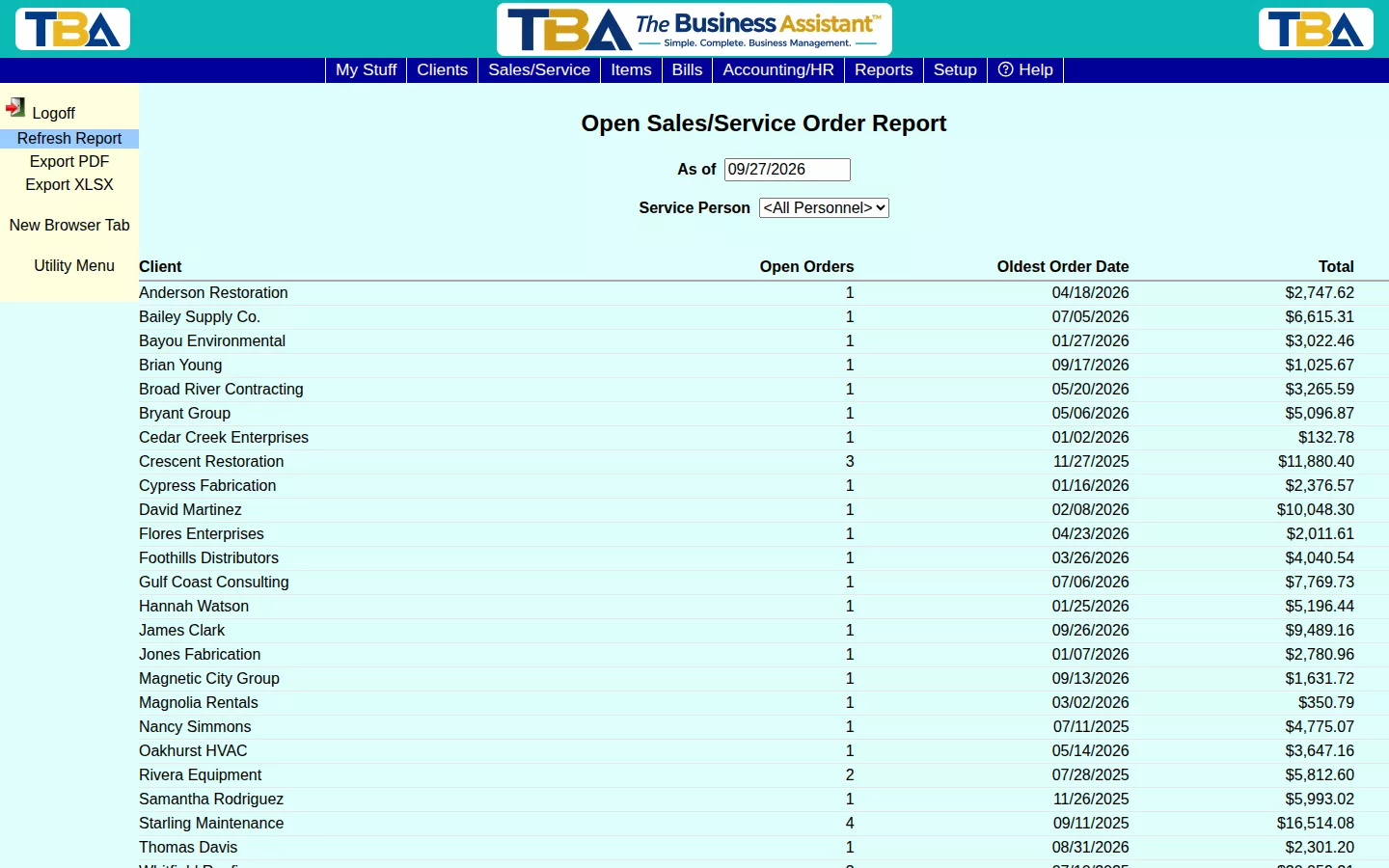
The Open Sales/Service Orders Report lists every client with at least one open Sales/Service Order — how many are open, the oldest one’s date, and the total value still in the pipeline.
Options #
Set the As of date and optionally filter to one Service Person. This report is never filtered by whether an item is on-order (to-order status) — it always shows the true picture of open work, regardless of what’s still being procured.
Why It Matters #
Sorting by Oldest Order Date is a quick way to spot work that’s been sitting open too long and needs attention.
The Columns and Drilldown #
Columns: Client, Open SOs, Oldest SO Date, and Total. You can also filter by Site. Click a client to list their open orders: SO #, SO Date, Status, Description, Site, Personnel (who is assigned), and Total. Click an order to open it; see Sales/Service Orders. Export PDF and Export XLSX save a copy.


