
The Email Log records every email TBA has sent on your behalf — quotes, orders, invoices, purchase orders, statements, and anything else emailed from the system.
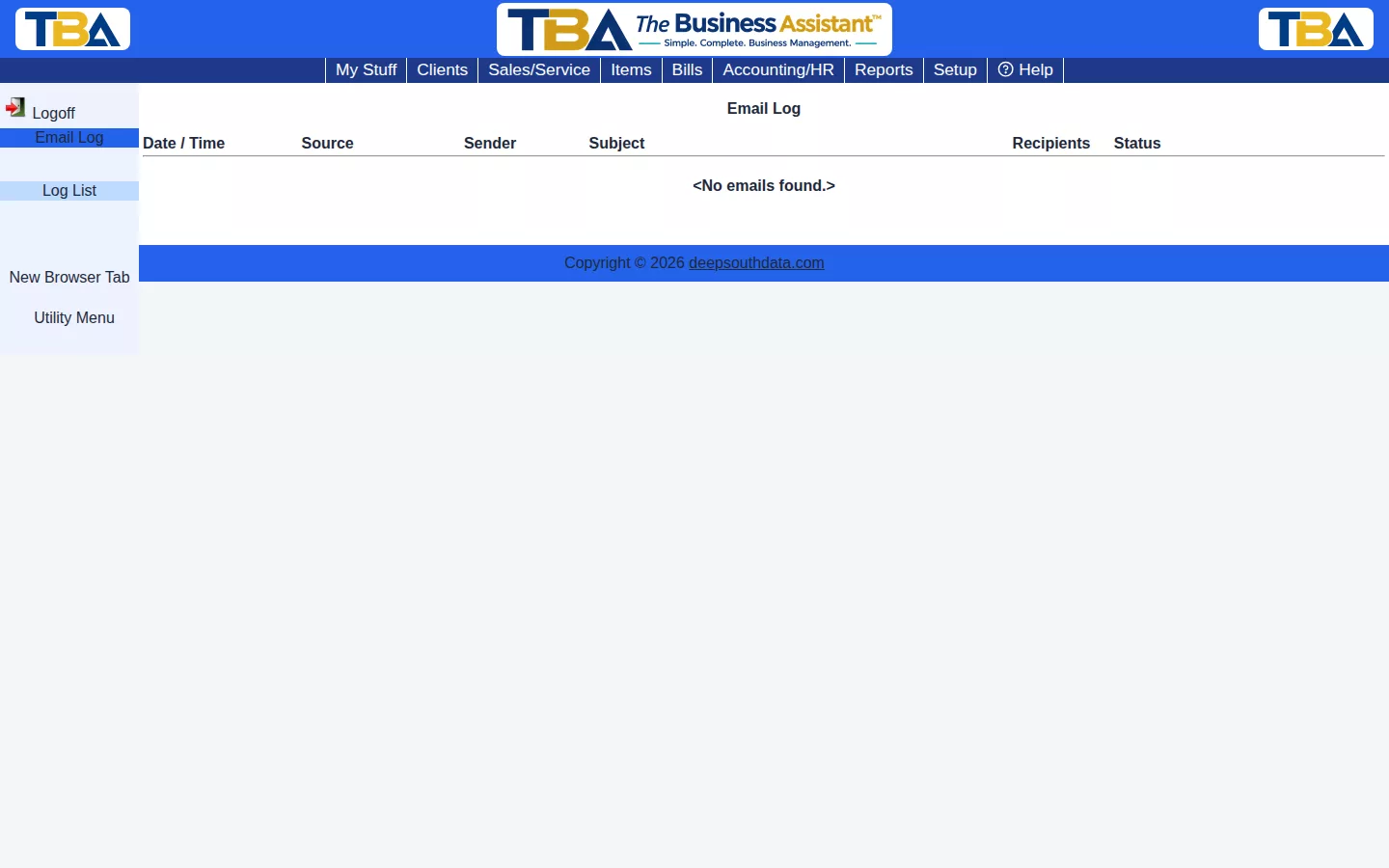
The Log List #
- Date / Time — when it was sent.
- Source — what triggered the email, such as an invoice, quote, or statement.
- Sender — who it was sent from.
- Subject.
- Recipients — who it went to.
- Status — the delivery result, with a count:
- Delivered — every recipient’s mail server accepted it.
- Partial — some recipients received it and some didn’t.
- Failed — none were delivered.
- Not Tracked — sent by choosing Send It Yourself, which opens your own email program, so TBA can’t know what happened to it.
Click a row to open the Email Detail: the full Subject and Body as sent, the Attachment (such as the PDF) and each recipient with their own delivery status. This is useful for confirming a client actually received something, or tracking down why they say they didn’t.
Reaching It #
Open it from the Accounting/HR menu (see Accounting Overview). Some pages also link here already filtered to just that one record’s emails; use ← Back to return to where you came from.
Notes #
This is a read-only log — there’s nothing to add or edit here, only to review. Emails are sent from Quotes, Sales/Service Orders, Invoices, Purchase Orders, Client Statements, and recurring invoices, and their wording comes from your templates in General Options.


