
The Audit Event Log records who did what and when across TBA — a running history of changes for accountability and troubleshooting.
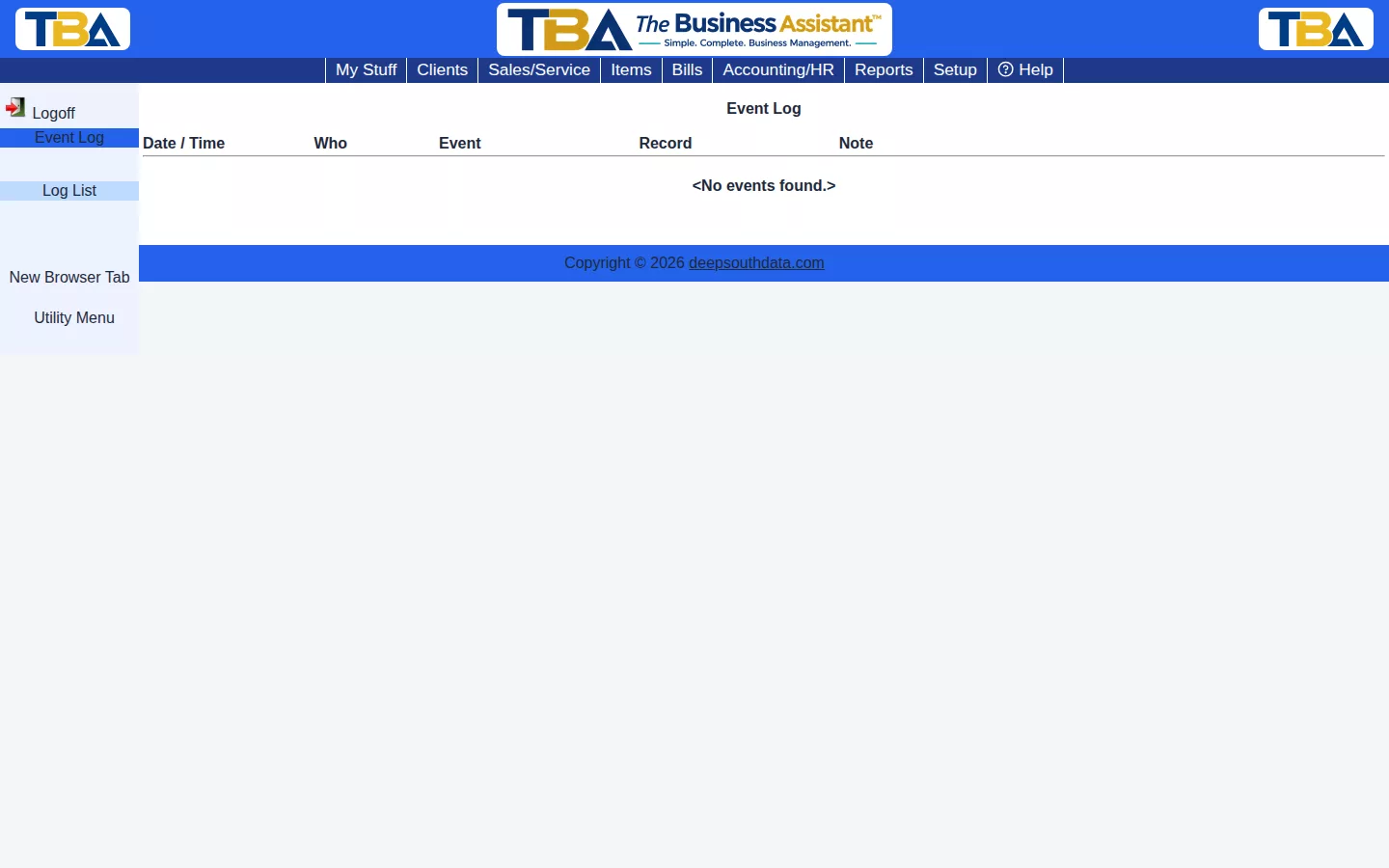
The Log List #
- Date / Time — when it happened.
- Who — the user who did it.
- Event — what happened, such as a void or a permission change.
- Record — the record it applied to.
- Note — extra detail, such as the reason that was entered.
What Gets Logged #
Sensitive or significant actions — voiding a General Ledger entry, closing or reopening a fiscal year, permission changes (see Users and Permissions), and similar events — are recorded here with who made the change and when, so there’s a record independent of the record itself.
This is a read-only log — there’s nothing to add or edit here, only to review.
The History of One Record #
Several pages have an Event Log link in the sidebar (for example a journal entry or a fiscal year). It opens this log filtered to just that record. Use ← Back to return to it.
Set-aside Units Taken (Override) #
When someone takes an inventory unit that another open Sales/Service Order had set aside, and confirms the override, an entry is recorded against that inventory lot. It shows who took it, which document took it, and which SO had been holding it. See Sales/Service Orders and Inventory.
For a record of emails TBA sent, see the Email Log.
Vendor Return Events #
Each step of a Vendor Return is recorded against the bill the goods were received on (the Record column shows Bill # and its number), so it also shows in that bill’s history. The Event column shows:
- Vendor Return Started — the note gives the return number, how many unit lines went back, their cost, and whether the vendor’s credit was booked at the same time.
- Vendor Return Credited — the return number and the number of the vendor credit that was booked.
- Vendor Return Replaced — the return was closed because the vendor sent a replacement instead of a credit.
- Vendor Return Cancelled — the vendor refused or the return was abandoned, and the units went back into inventory.


