
Vendor ID Categories defines the extra ID fields available on a Vendor’s record — additional information like vendor account numbers.
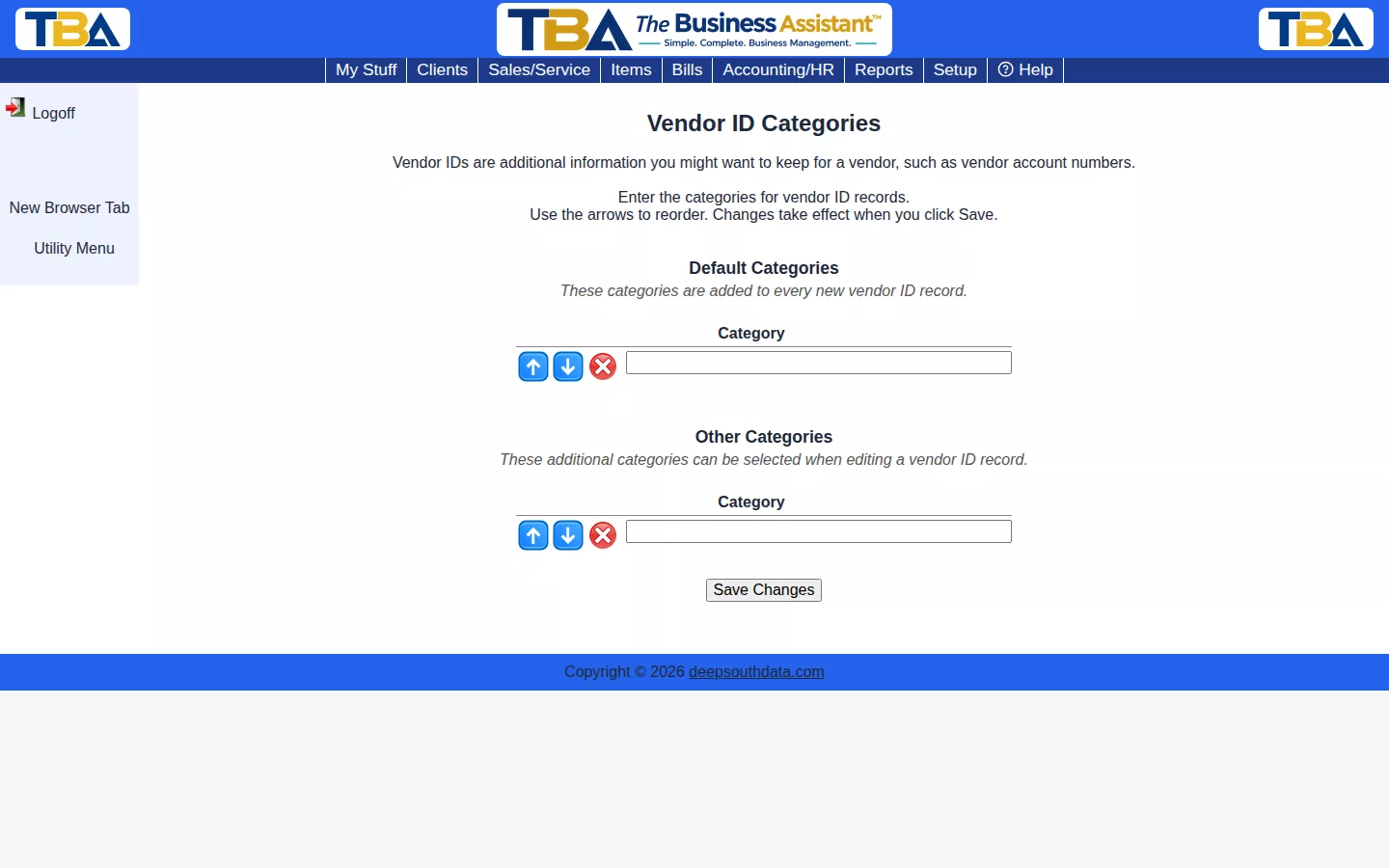
Default Categories are added automatically to every new vendor ID record; Other Categories are available to add manually when editing one. Type a category name into a blank row, reorder with the arrows, and click Save Changes.
The Two Lists #
- Default Categories — created automatically for every new vendor ID record. A common one is “Our account#” so you always have a place for the number the vendor knows you by.
- Other Categories — extra choices you can pick from when editing a vendor ID row, for things such as insurance certificate, license, or W-9 on file.
Type into a blank row, use the arrows to reorder, click the red X to remove, and click Save Changes.
Where They Are Used #
On the ID category / ID data / Start / End / Active? table of each vendor record. They are different from a vendor’s tax ID, which is recorded in Vendor Tax / 1099.


