
The Reports section is where every report in TBA lives — financial statements, aging reports, sales reports, HR reports, and a designer for building your own.
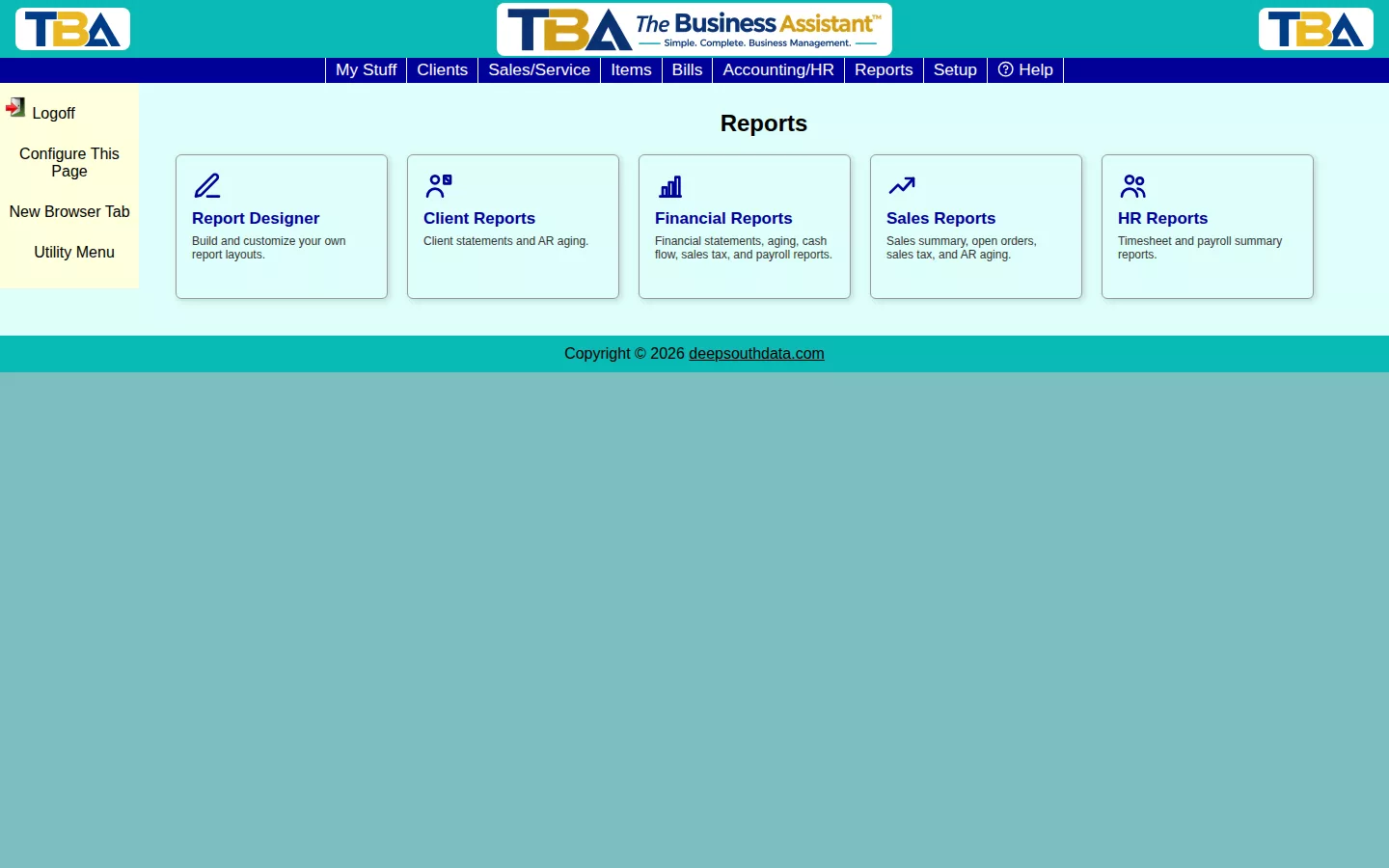
- Report Designer — build and customize your own report layouts.
- Client Statements — billing statements, single or batch.
- AR Aging / AP Aging — who owes you, and who you owe.
- Trial Balance, Balance Sheet, Profit & Loss — core financial statements.
- Cash Flow Statement / Cash Flow Forecast — where your cash went, and where it’s headed.
- Recurring Invoices Report — track recurring billing.
- Sales Tax Liability — what you owe each taxing authority.
- Sales Summary / Sales by Salesperson — what you’re selling, and who’s selling it.
- Open Sales/Service Orders Report — work still in the pipeline.
- Timesheet Report / Payroll Summary — HR and payroll hours.
Every report has Export PDF/Export XLSX in its sidebar.
Finding and Arranging Reports #
Reports are grouped on the Reports page. Click a tile to open a report, or hover over a group, such as Client Reports or Financial Reports, to see the reports inside it. Use Configure This Page at the top to rearrange the tiles, hide the ones you don’t use, or switch between large and small tiles. Your arrangement is yours alone.
What Every Report Has in Common #
- A date range or As of date, and often a Site filter if you have more than one (see Sites Setup).
- Refresh Report (or Run Report) to recalculate after changing options.
- Drilldown — click a row to see the records behind a number.
- Export PDF and Export XLSX in the sidebar.
- Access depends on your permissions; see Users and Permissions.
Accrual or Cash #
The financial statements (Trial Balance, Balance Sheet, Profit and Loss) and Sales Tax Liability can be run either way. Accrual counts income when you invoice and expenses when you are billed; Cash counts them when money moves.
Need Something Different? #
If none of these fit, build your own with the Report Designer.
On a Phone #
Reports can be run on a phone. The date and option bars wrap so every control is reachable, and result grids keep their columns and scroll sideways. Drill-down windows get a minimum column width and also scroll sideways, so columns don’t overlap. Turn the phone sideways for more room, or tap Use desktop layout in the Utility Menu. The Report Designer is desktop-only. See Using TBA on Your Phone.


