
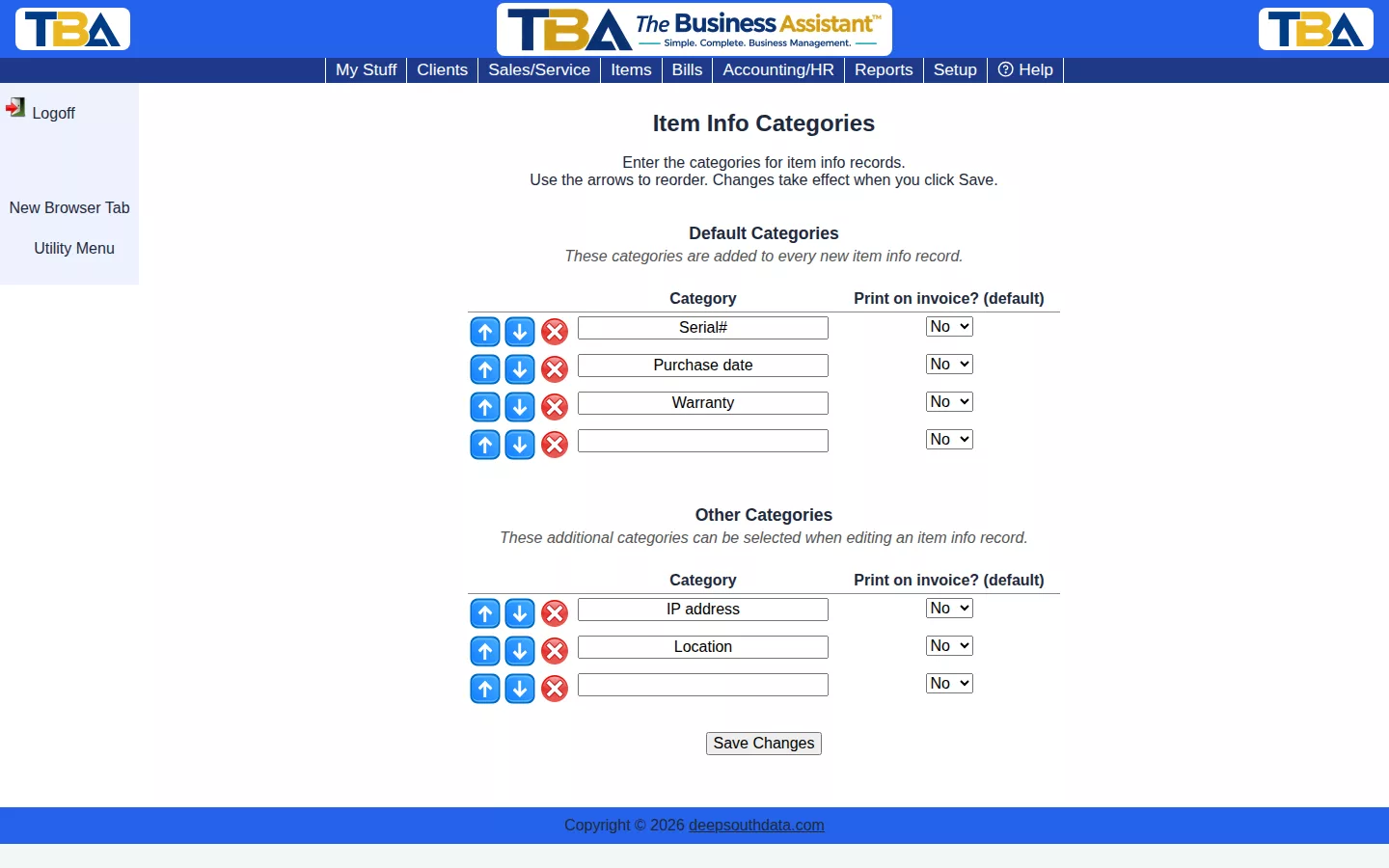
Item Info Categories defines the extra info fields available on an Item’s info grid — Serial#, Purchase date, Warranty, and similar.
Default vs. Other #
Default Categories are added automatically to every new item info record. Other Categories are available to add manually when editing one, but aren’t added automatically. Each category also has a Print on invoice? default, which can still be overridden per item.
The Two Lists #
- Default Categories — added to every new item record automatically (Serial# is the typical one).
- Other Categories — extras you can choose when editing an item’s info or an inventory lot.
Each category has a Print on invoice? (default) checkbox. When ticked, a row using that category prints on the invoice line by default; you can still change it on each item or lot. For example, tick it for Serial# and Warranty so clients get them on their invoice. Type into a blank row to add, reorder with the arrows, remove with the red X, and click Save Changes.
Where They Are Used #
On the Info category / Info data table of an item or inventory lot, and in the Inventory Find, which can search by category and its data. Serial numbers recorded here can be found with Global Find.


