
The Sales/Service section is where you run your day-to-day sales cycle: writing quotes, tracking orders through to completion, invoicing clients, and recording their payments.
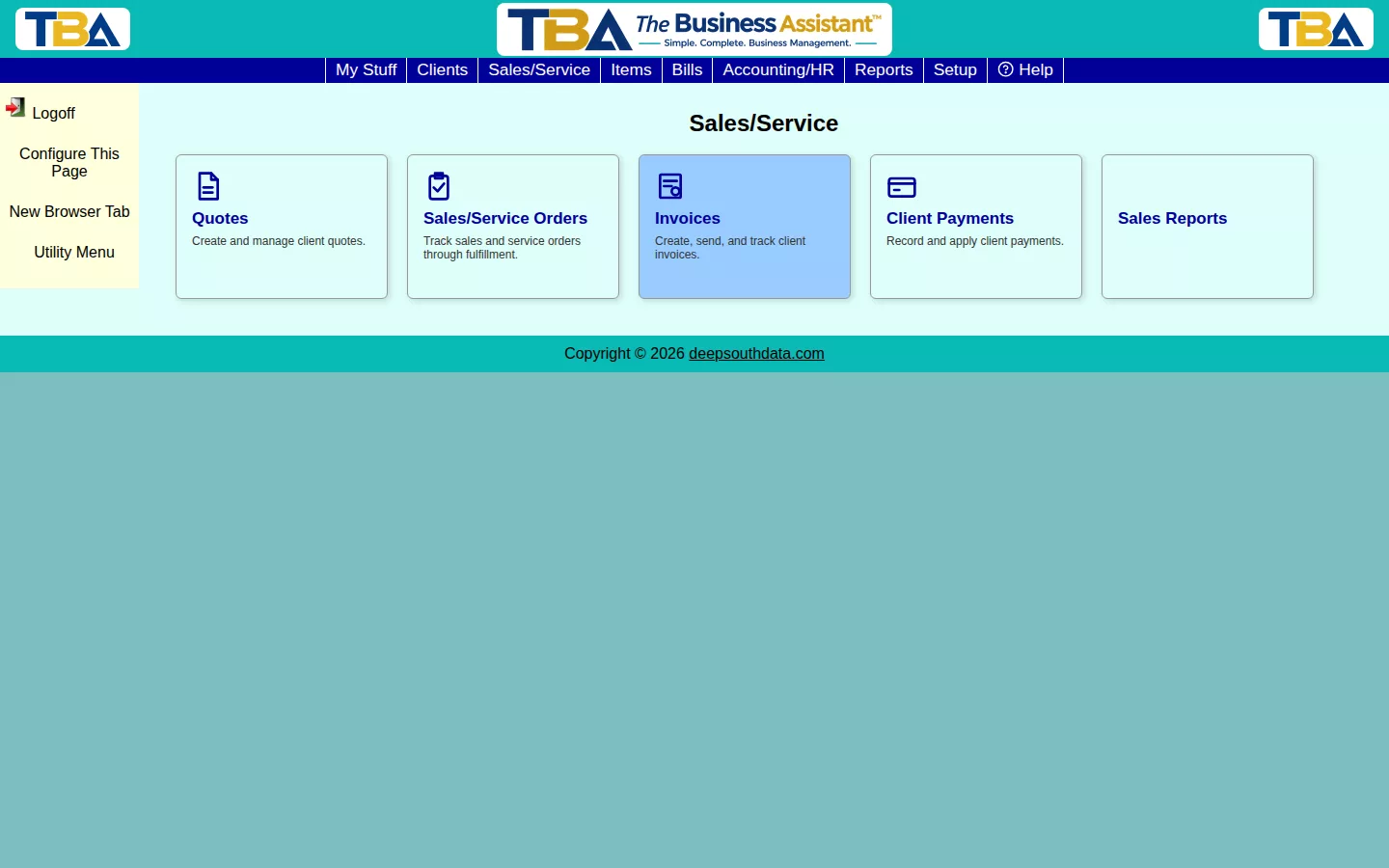
Click any tile to jump straight to that list, or reach the same places from a specific client’s Client View tabs, scoped to just that client.
- Quotes — propose work or pricing to a client before they commit.
- Sales/Service Orders — track work from acceptance through fulfillment.
- Invoices — bill clients for completed work or items sold.
- Client Payments — record and apply payments against open invoices.
- Recurring Invoices — automatically regenerate and (optionally) auto-charge an invoice on a schedule.
Sales Reports (Sales Summary, Sales by Salesperson, Open Sales/Service Orders, AR Aging, Client Statements, Sales Tax Liability) are covered in the Reports section.
Searching Across Everything #
The Find page for each document searches only that document type. To search quotes, orders, and invoices together, or to find a document by something on one of its lines (a description, an amount, a serial number), use Global Find on the My Stuff tab.


