
Personnel Groups classify your team — used for permissions, In/Out board access, and reporting.
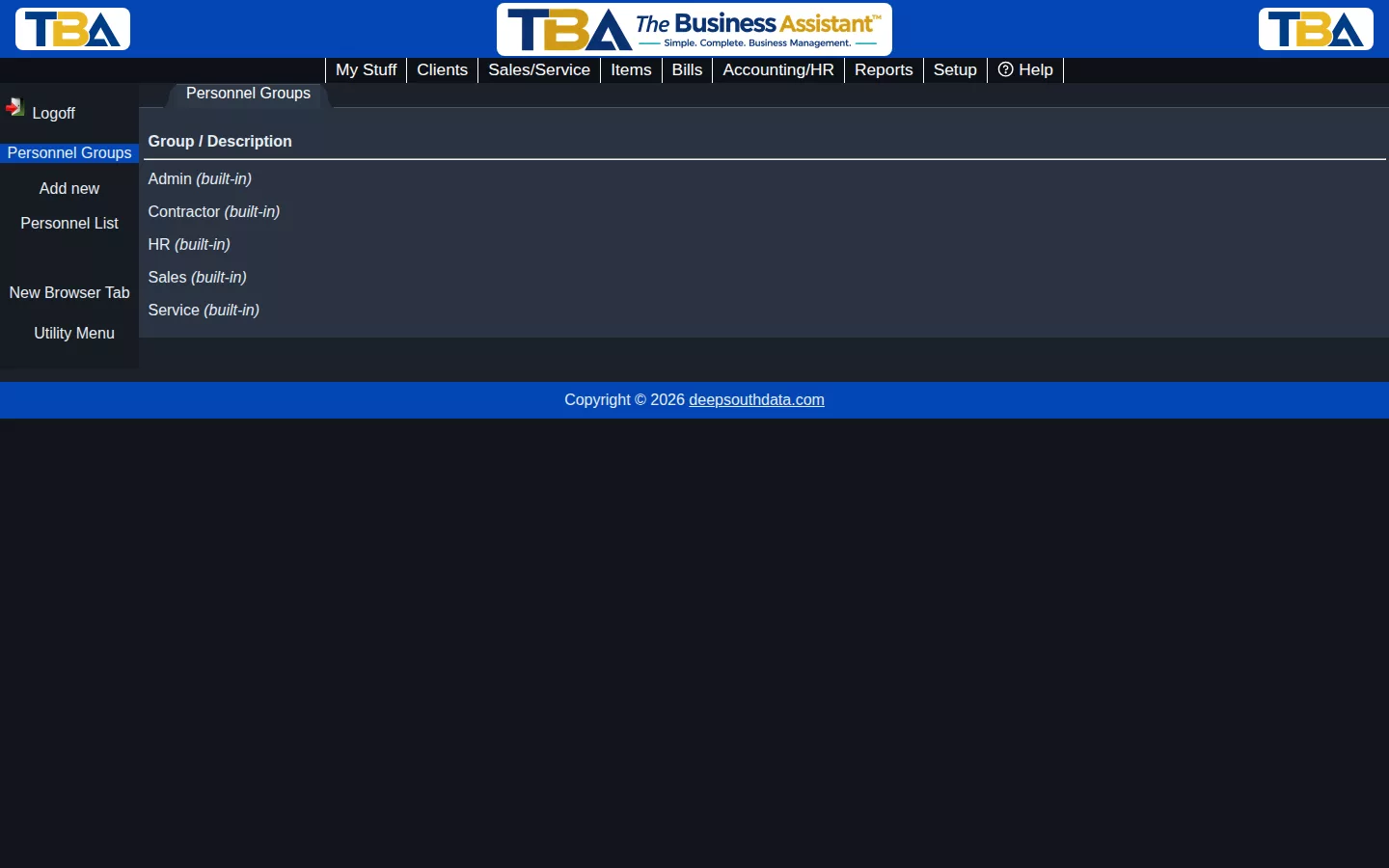
Built-in Groups #
Every company starts with five built-in groups — Admin, Contractor, HR, Sales, and Service — covering the common roles most trade businesses need. A person can belong to more than one group (see the Groups checkboxes on their Personnel record).
Adding a Group #
Click Add new to create a custom group beyond the built-in five, if your company needs a role they don’t cover.
The Group List #
The list shows each Group and its Description. Reach it with Manage groups on the Personnel List. Click a group to edit, or Add new.
- Group name (required) and Description.
- The five built-in groups can’t be renamed or deleted, though you can still edit their description.
- Delete a custom group any time. Personnel in it simply lose that group; no one is deleted.
What Groups Are Used For #
- Filtering — the Personnel List shows each person’s groups, and the Time Tracking Calendar can show A group at a time.
- In/Out board — the Allowed groups on a person’s In/Out tab let them add a whole group to their board.
- Finding people when you assign or schedule them on an order: the Find Personnel dialog can filter by group.


