
The Bills section is your accounts payable — entering what vendors bill you, and paying it.
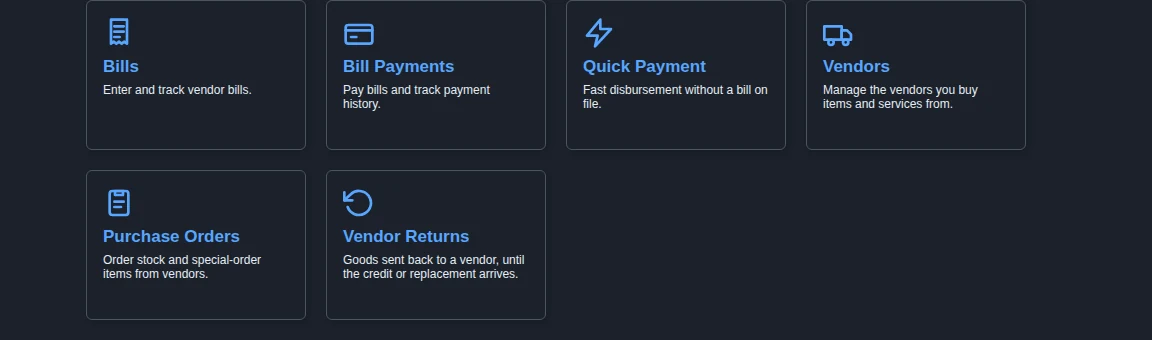
- Bills — enter and track vendor bills, usually tied to a received Purchase Order.
- Bill Payments — pay one or more open bills and track payment history.
- Quick Payment — a fast disbursement to a vendor, employee, or client with no bill on file.
- Vendor Returns — goods you have sent back to a vendor (dead on arrival, defective, wrong item), from the moment the return is started until the vendor’s credit memo or replacement arrives. This tile appears only for users with the Vendor Returns permission.
Vendors and Purchase Orders are covered in their own sections, since you also reach them from Items.
Searching Across Everything #
To find a bill by a vendor’s bill number, an amount, a line description, or a serial number that was received on it, use Global Find on the My Stuff tab.


