
The Accounting/HR section is where you manage your books and your people. This covers the HR half — personnel records, groups, the timeclock, and time tracking. Banking and the general ledger are covered in Accounting.
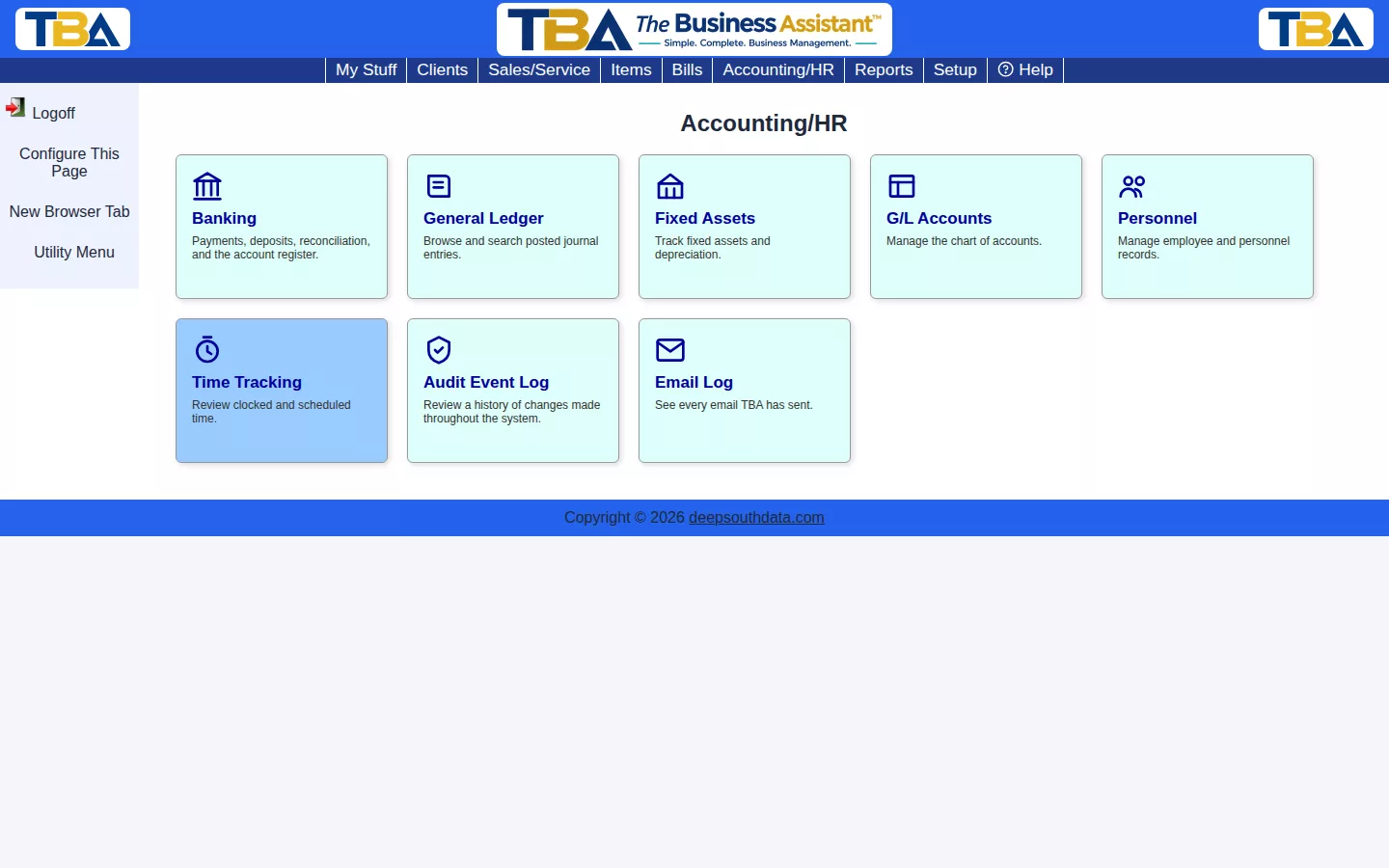
- Personnel Overview — each employee’s General, In/Out, HR, and Payroll tabs.
- Personnel Groups — the groups personnel are organized into.
- Timeclock & Kiosk — clock in/out via badge scan.
- Time Tracking Calendar — a month grid of billed, scheduled, and clocked hours.
Setting Up the HR Side #
- Turn on Timesheet and, if you want badges and a kiosk, Timeclock in General Options.
- Define roles, timeclock statuses, and your hour thresholds.
- Add each person under Personnel, assign their groups, and link their login if they have one (see Users and Permissions).
- Review hours on the Time Tracking Calendar, then run the Timesheet Report and Payroll Summary.
Everyone also has a personal In/Out Board and task list.


