
The Recurring Invoices Report tracks billing from your Recurring Invoices, both what’s already been generated and what’s projected.
Options #
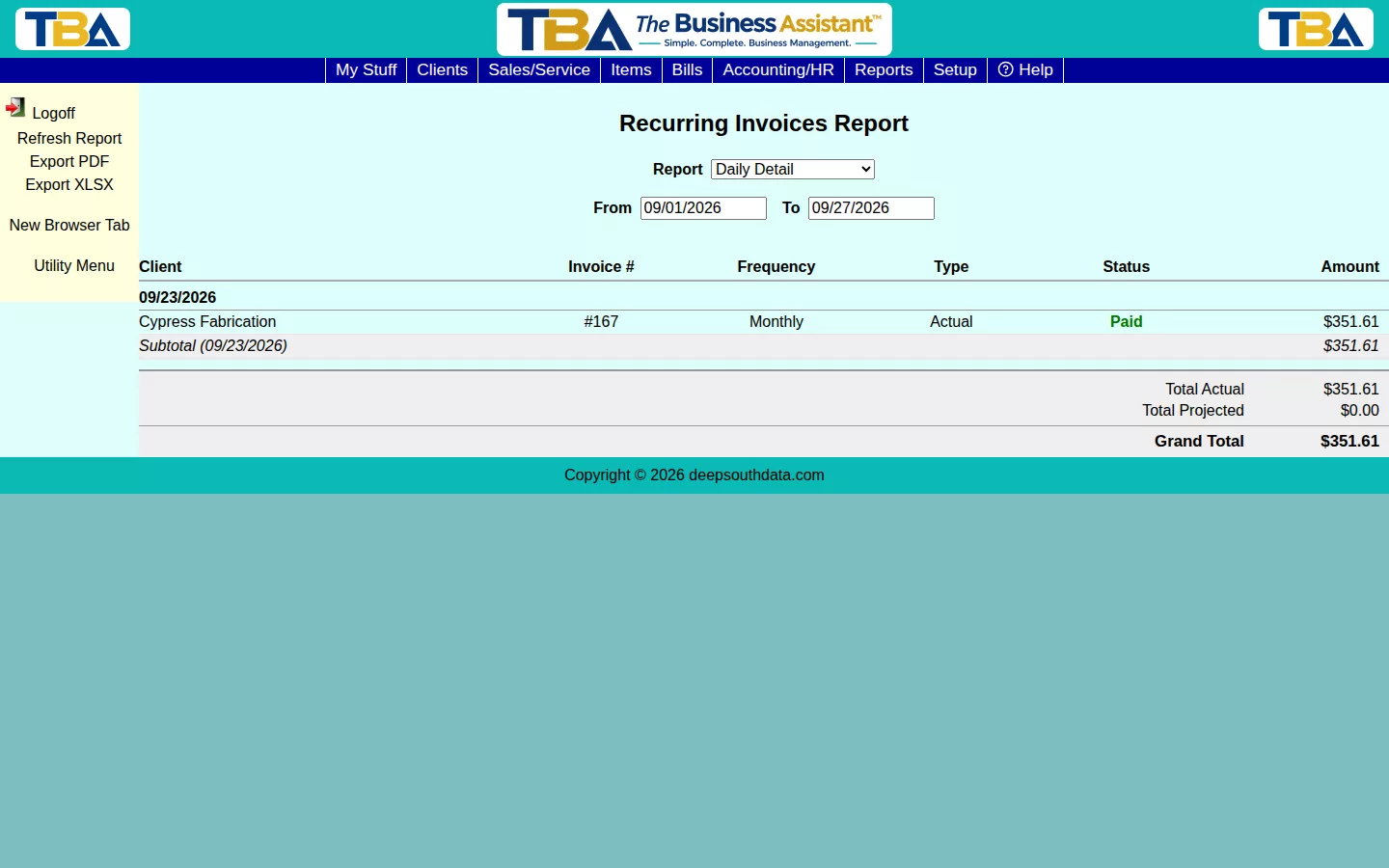
Set a From/To range and pick a Report layout (e.g. Daily Detail). Each row shows whether it’s Actual (already generated and invoiced) or projected, along with its payment status.
Totals #
Total Actual and Total Projected are broken out separately, rolling up to a Grand Total — useful for seeing how much of your recurring revenue is already locked in versus still expected.
The Two Layouts #
- Daily Detail — one row per billing occurrence, grouped and subtotaled by date.
- Summarize by Client — one line per client with their Actual and Projected billing, alphabetical, with a client subtotal.
Columns: Client, Invoice #, Frequency, Type (Actual or Projected), Status, and Amount; summaries show Actual, Projected, and Combined. You can also filter by Site and Client.
How Projections Work #
Actual rows are invoices that have already been generated. Projected rows are future cycles, worked out forward from each active series’ next run date, the same way the Cash Flow Forecast projects recurring revenue. Every row with a real invoice behind it is clickable, and the status shows whether it is paid, unpaid, or declined. Manage a series from the original invoice; see Recurring Invoices.


