
The Sales by Salesperson report totals invoiced sales credited to each salesperson — useful for commission tracking and performance review.
Options #
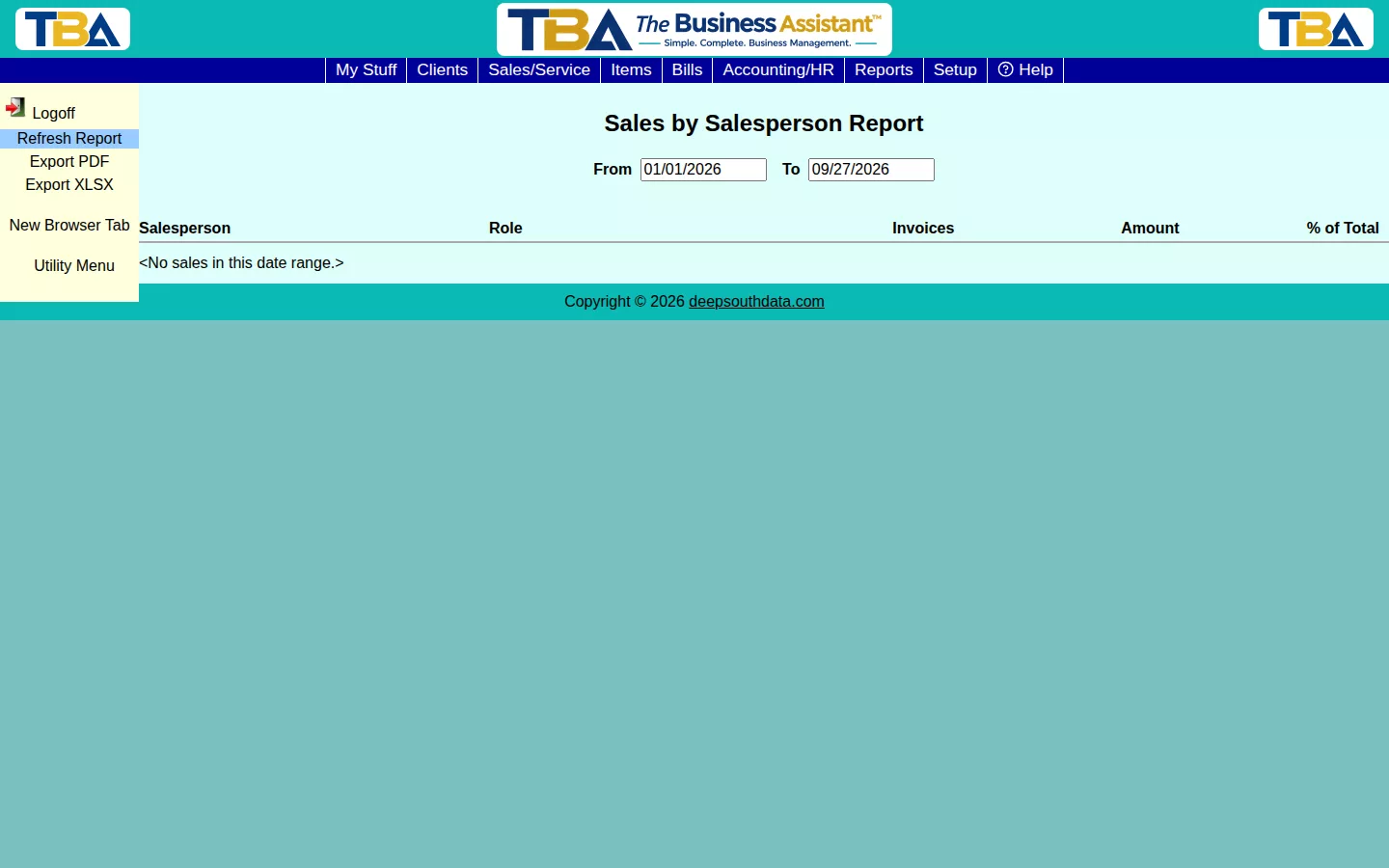
Set a From/To date range and click Refresh Report. Each row shows a salesperson’s role, number of invoices, dollar amount, and percent of total sales for the period.
Where Salespeople Come From #
An invoice only shows up here if it has a salesperson attached — set on the Client’s own default salesperson field, or on the invoice itself.
Drilling Down #
Click a salesperson to see the Sales Detail: each invoice with its Invoice #, Date, Client, Invoice Subtotal, the Percent that salesperson was credited, and the Amount Credited. When an invoice has several salespeople, each gets their own split. You can limit the report to one Site, and use Export PDF or Export XLSX to save a copy. Salespeople and splits are set on the invoice; see Invoices.


