
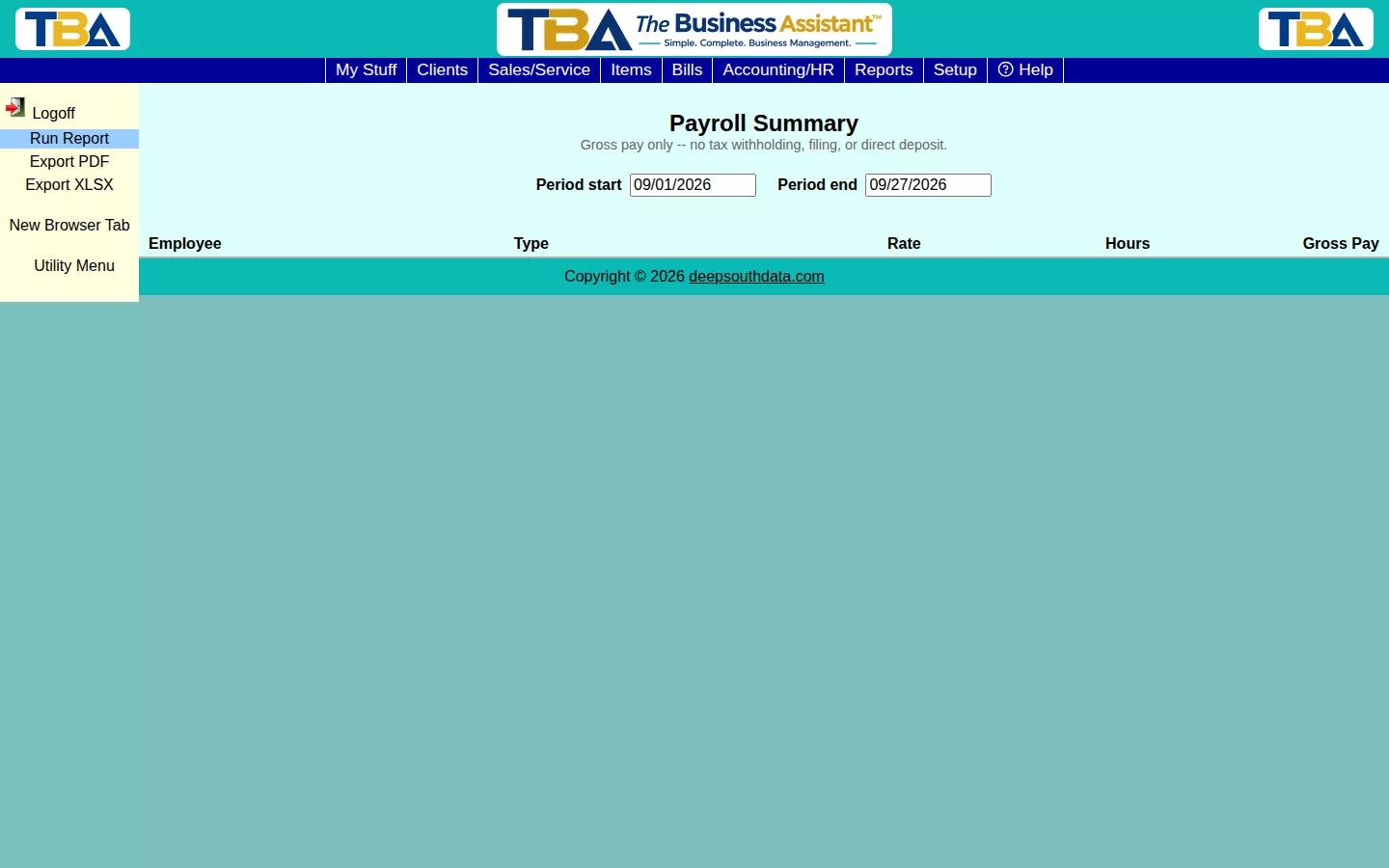
The Payroll Summary totals gross pay per employee for a period, based on their Personnel pay type, rate, and hours worked.
What This Is — and Isn’t #
This report is gross pay only — it does not calculate tax withholding, file payroll taxes, or handle direct deposit. TBA hands off actual payroll processing to a dedicated payroll partner; this report is for reviewing hours and gross pay before that handoff, not for running payroll itself.
Options #
Set Period start and Period end, then click Run Report. Each row shows an employee’s pay type (Hourly/Salary), rate, hours, and gross pay for the period.
The Columns and Drilldown #
Columns: Employee, Type, Rate, Hours, and Gross Pay. Hours come from the same combined sources as the Timesheet Report, so overlapping clocked and order time is counted once. Click an employee for the Daily Breakdown (Date, Clocked, Other (SO/Manual), Payroll Hours, and Review?). Rates and pay types are on the Personnel Payroll tab. Export PDF and Export XLSX save a copy. To bring payroll totals from QuickBooks into your books, see Payroll GL Import.


