
The Setup section is where you configure TBA for your company — users and permissions, accounting defaults, sales settings, vendor settings, and importing data from other systems.
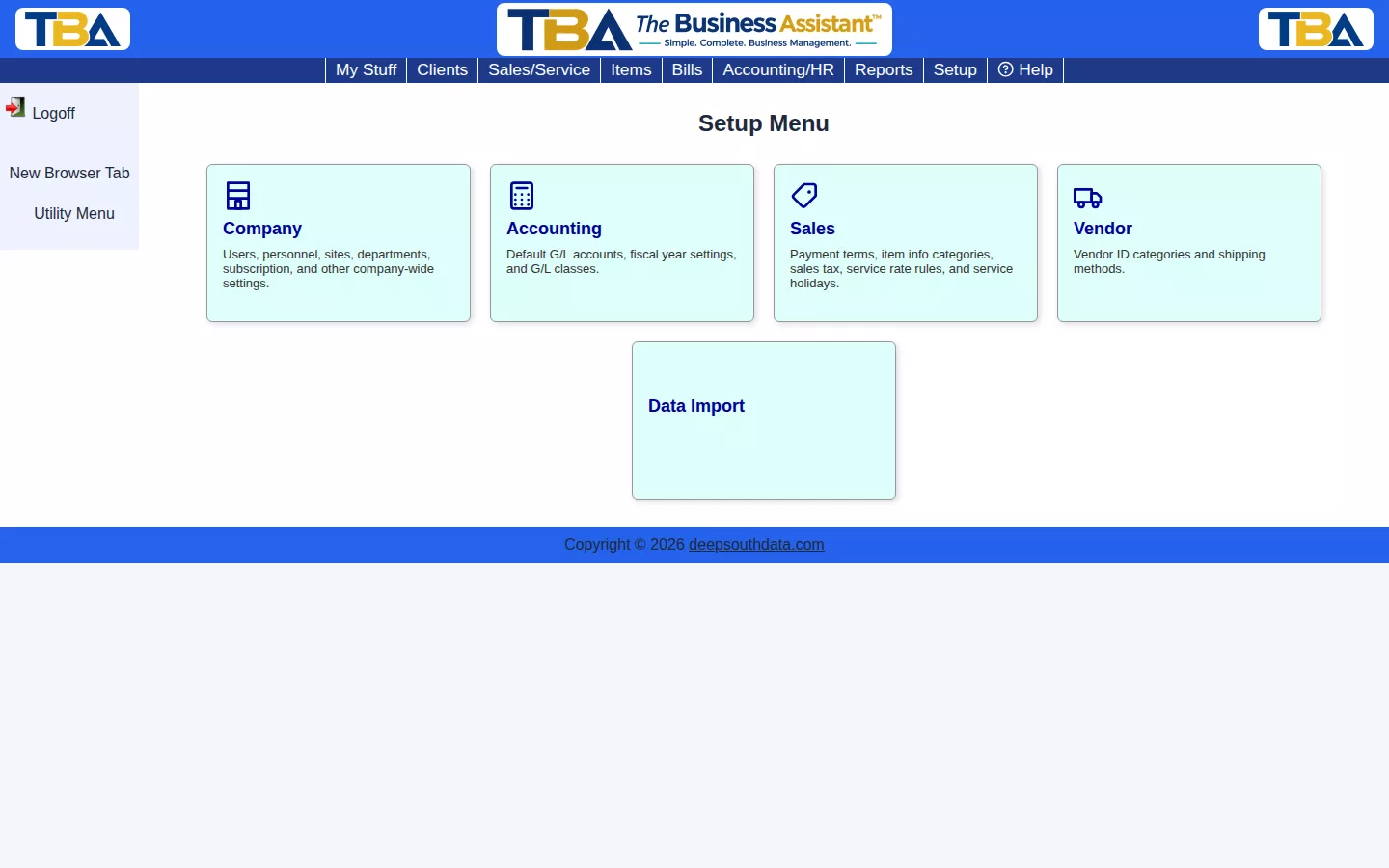
- Company — users, personnel roles, timeclock, general options, color themes, sites, units of measure, numbering, subscription, and payment processing.
- Accounting — default G/L accounts, Fiscal Year Settings, and G/L classes.
- Sales — payment terms, item info categories, sales tax, service rate rules, and service holidays.
- Vendor — vendor ID categories and shipping methods.
- Data Import — QuickBooks and payroll data import.
Most of Setup is a one-time (or rarely-revisited) configuration pass when you first set up TBA.
What Is on Each Menu #
Setup is a fixed menu of links (it can’t be rearranged like a tile page). You only see the items you have permission for; see Users and Permissions.
Company #
- Users and Permissions — logins and what each can do.
- Personnel Roles, Personnel Time Options, Timeclock Statuses — people and time.
- General Options — company info, logo, features, and email templates.
- Color Themes, Sites, Units of Measure, Next Numbers to Assign.
- TBA Subscription and Payment Processing.
Accounting #
Sales #
Vendor #
Data Import #
New company? Start with the Quick Start Setup Wizard.


