
Personnel Roles defines the roles your team can be assigned or scheduled to on Sales/Service Orders — e.g. Sales Lead, Sales, Service Lead, Service.
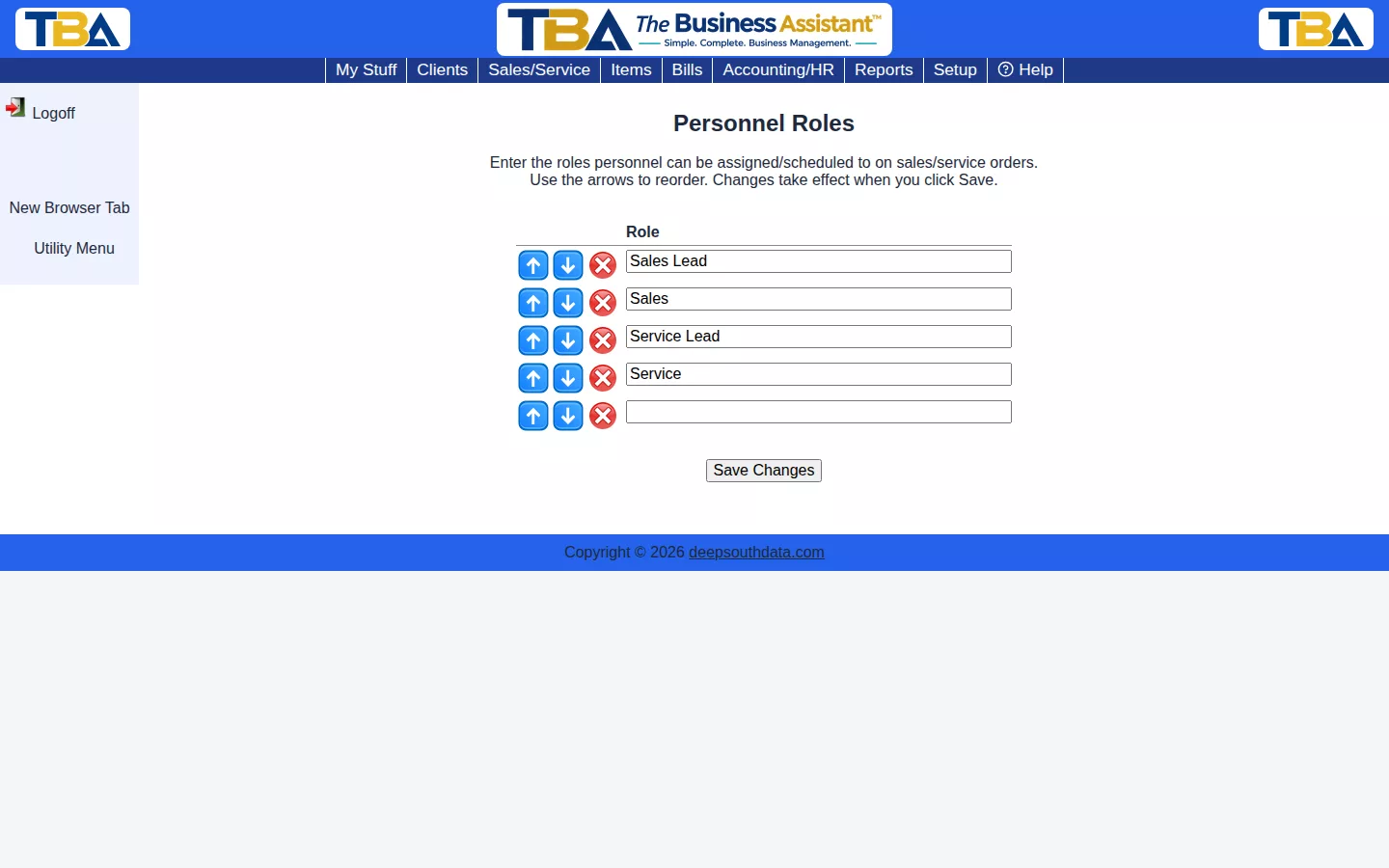
Type a role name into a blank row, use the arrows to reorder, and click Save Changes. Click the red X to remove a role.
Using the List #
- Type a role into a blank row to add it; use the arrows to reorder; click the red X to remove one.
- Nothing is saved until you click Save Changes.
Where Roles Are Used #
When you assign or schedule someone on a quote or Sales/Service Order (View → Assigned personnel and Scheduled personnel), you choose the person’s role from this list. Roles also appear in the Salesperson column of Sales by Salesperson. The people themselves are kept in Personnel.


