
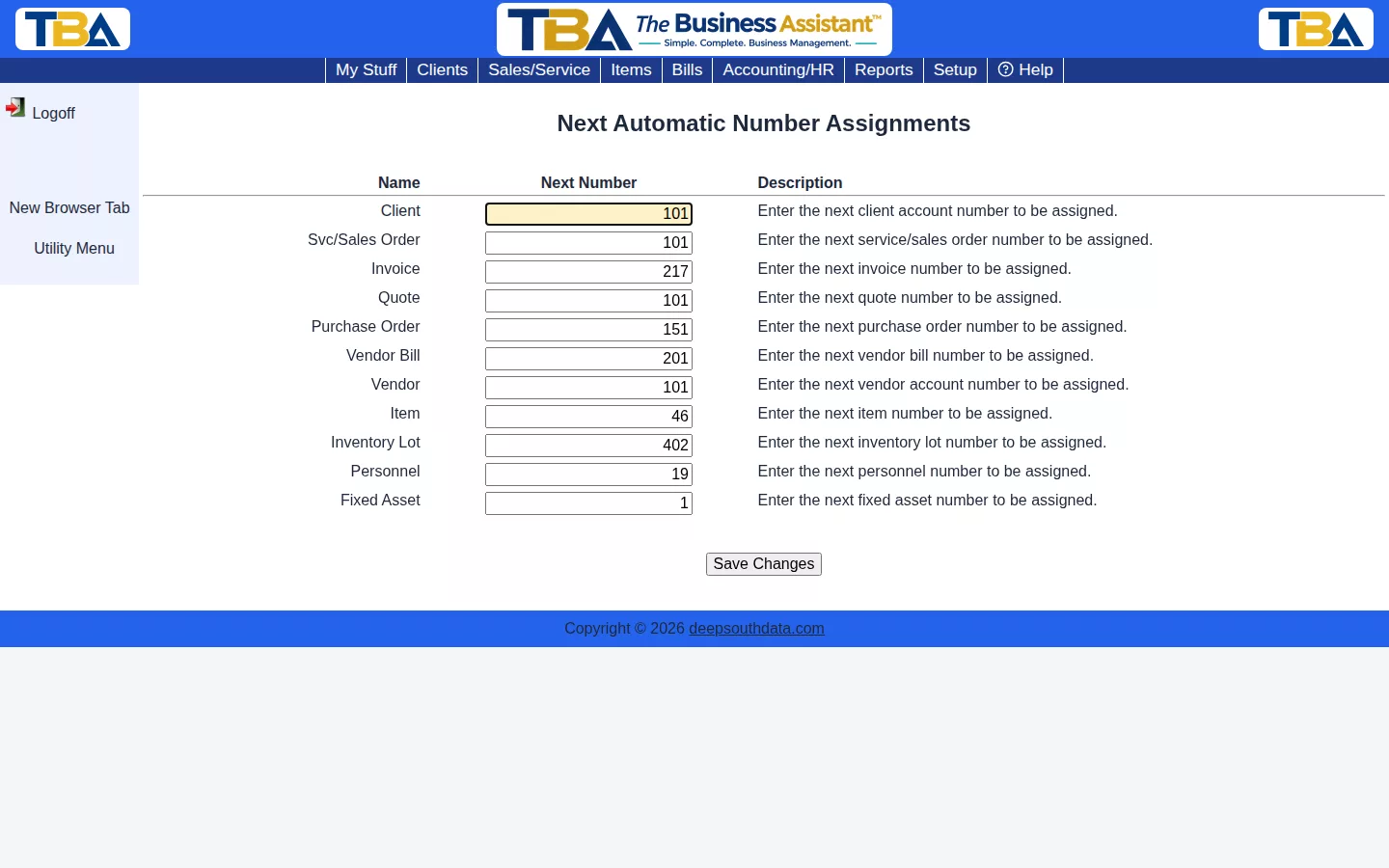
Next Numbers to Assign shows (and lets you adjust) the next automatic number TBA will assign for each numbered record type — Client, Sales/Service Order, Invoice, Quote, Purchase Order, Vendor Bill, Vendor, Item, Inventory Lot, Personnel, and Fixed Asset.
When to Change This #
Normally you’ll never need to touch this — numbers advance on their own as records are created. It’s useful when migrating from another system and you want new records to continue a numbering sequence, or after a manual data fix that inserted records directly and left the counter behind.
The Page #
Each row has a Name, a Next Number you can edit, and a Description. Change a number and click Save Changes. The numbers are:
- Client — the next client account number.
- Svc/Sales Order — the next order number.
- Invoice — the next invoice number.
- Quote — the next quote number.
- Purchase Order — the next PO number.
- Vendor Bill — the next bill number.
- Vendor — the next vendor account number.
- Item — the next item number.
- Inventory Lot — the next inventory lot number.
- Personnel — the next personnel number.
- Fixed Asset — the next fixed asset number.
Be careful: setting a number that has already been used makes the next new record clash with an existing one. Only raise numbers, never lower them below what you’ve already issued.


