
G/L Classes are optional labels used to slice income and expense reports by organizational segment — division, region, product line, or however you want to cut your financials.
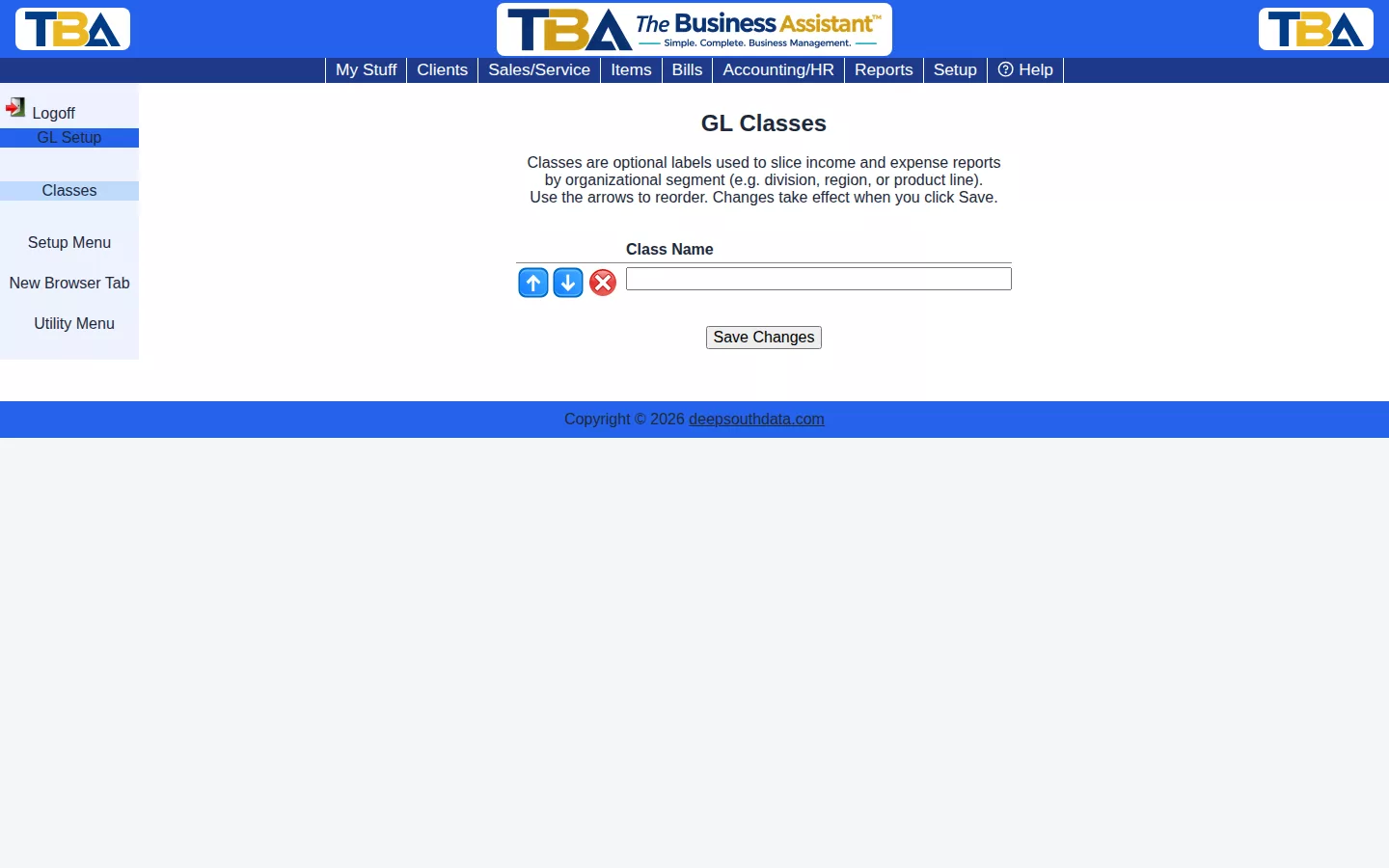
Type a class name into a blank row, reorder with the arrows, and click Save Changes. Once defined, a class can be assigned to General Ledger entries.
Using the List #
- Type a name into a blank row to add a class; use the arrows to reorder; click the red X to remove one. Click Save Changes to keep your edits.
- Reach the list from Setup → Accounting (see Setup Overview). Changing it needs the GL Classes permission (see Users and Permissions).
Where Classes Are Used #
Each line of a journal entry has an optional Class. Use them to tag income and expense lines by division, region, or product line. Classes are optional — most companies don’t need them — and imported QuickBooks classes appear here automatically (see QuickBooks Import).


