
Payment Terms defines the terms available on clients, invoices, and bills — e.g. Net 10, Net 30 — including any early-payment discount or late interest.
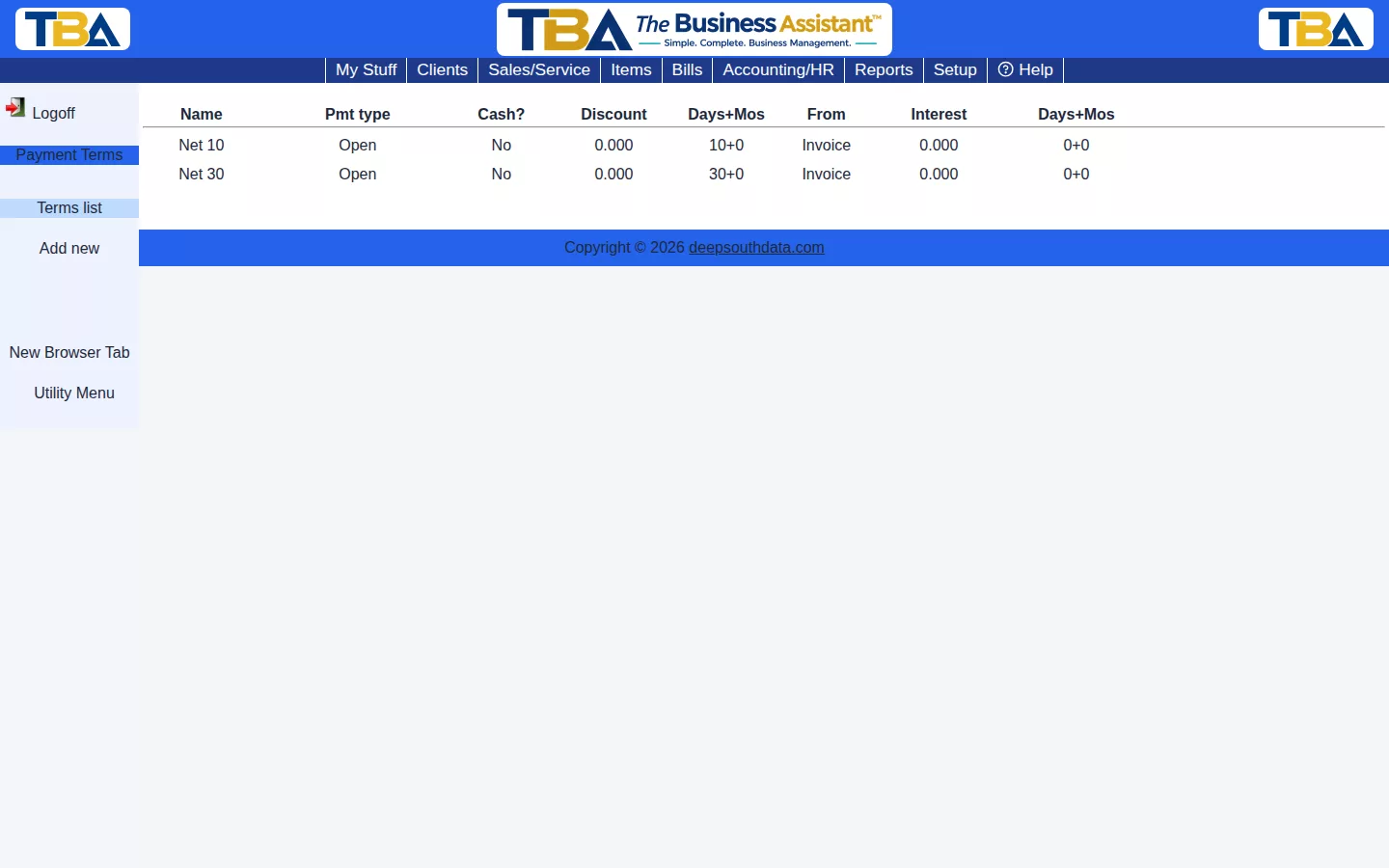
Click Add new to create a term: its type, whether it’s cash-only, an optional early-payment discount and window, and an optional late-payment interest rate and grace period.
The Terms List #
Columns: Name, Pmt type, Cash?, Discount and its Days+Mos, From (what the days count from), and Interest with its Days+Mos. Click a term to edit it, or Add new.
Fields #
- Payment terms name — what you will see in dropdowns, such as “Net 30” or “2/10 Net 30”.
- Type — Open (normal credit terms), C.O.D., Prepaid, or Credit card.
- Cash only? — Yes if the term requires immediate payment.
- Dating type — what the due date counts from: Number of days from invoice date, Number of days from end of month (EOM), or Number of days from date received.
- Cut-off day — for EOM terms, the last day of the month still included in the current pay cycle.
- Number of days and plus additional months (extra dating) — how long until it is due.
- Discount if paid timely — an early-payment discount percent, and how many days it stays available.
- Interest — a late-payment interest percent per month, beginning a number of days and months after the due date.
Terms are chosen on the client, vendor, invoice, bill, and purchase order, and set each document’s due date. Use Delete to remove a term.


