
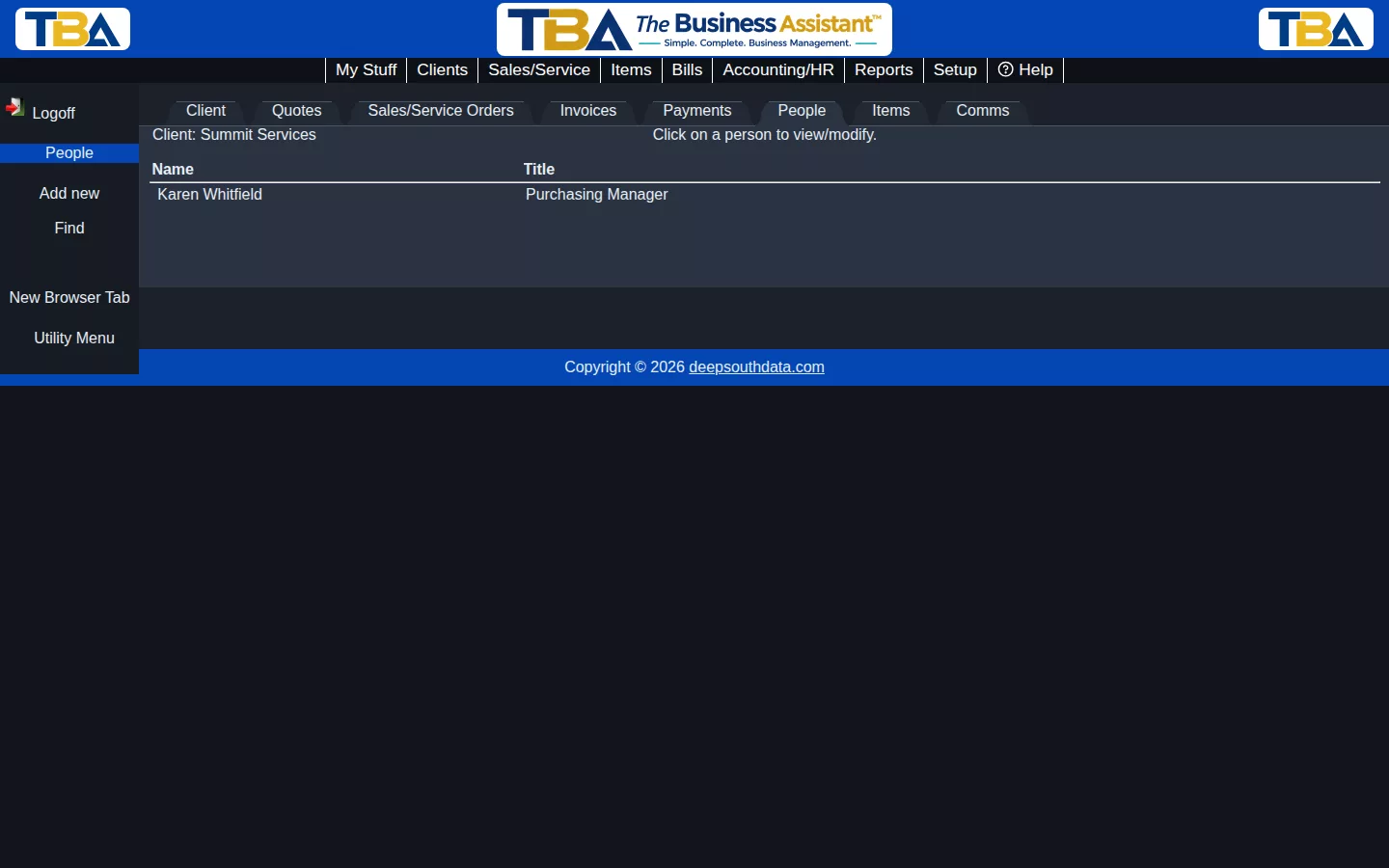
Most clients are companies, not individuals — the People tab in Client View is where you keep track of the actual people who work there: your day-to-day contacts, their titles, and how to reach them.
Adding a Person #
Click Add new in the sidebar, fill in the person’s name and title, and any address, phone, email, or notes you want to keep for them. Click Save Changes when you’re done.
Finding a Person #
If a client has a lot of contacts, use Find in the sidebar to search by name or title instead of scrolling the list.
Viewing or Editing #
Click on any person in the list to view or update their information.


