
The Items tab in Client View shows every item this client has ever purchased from you — what it was, when it was received, how many, what it sold for, and which invoice it was sold on.
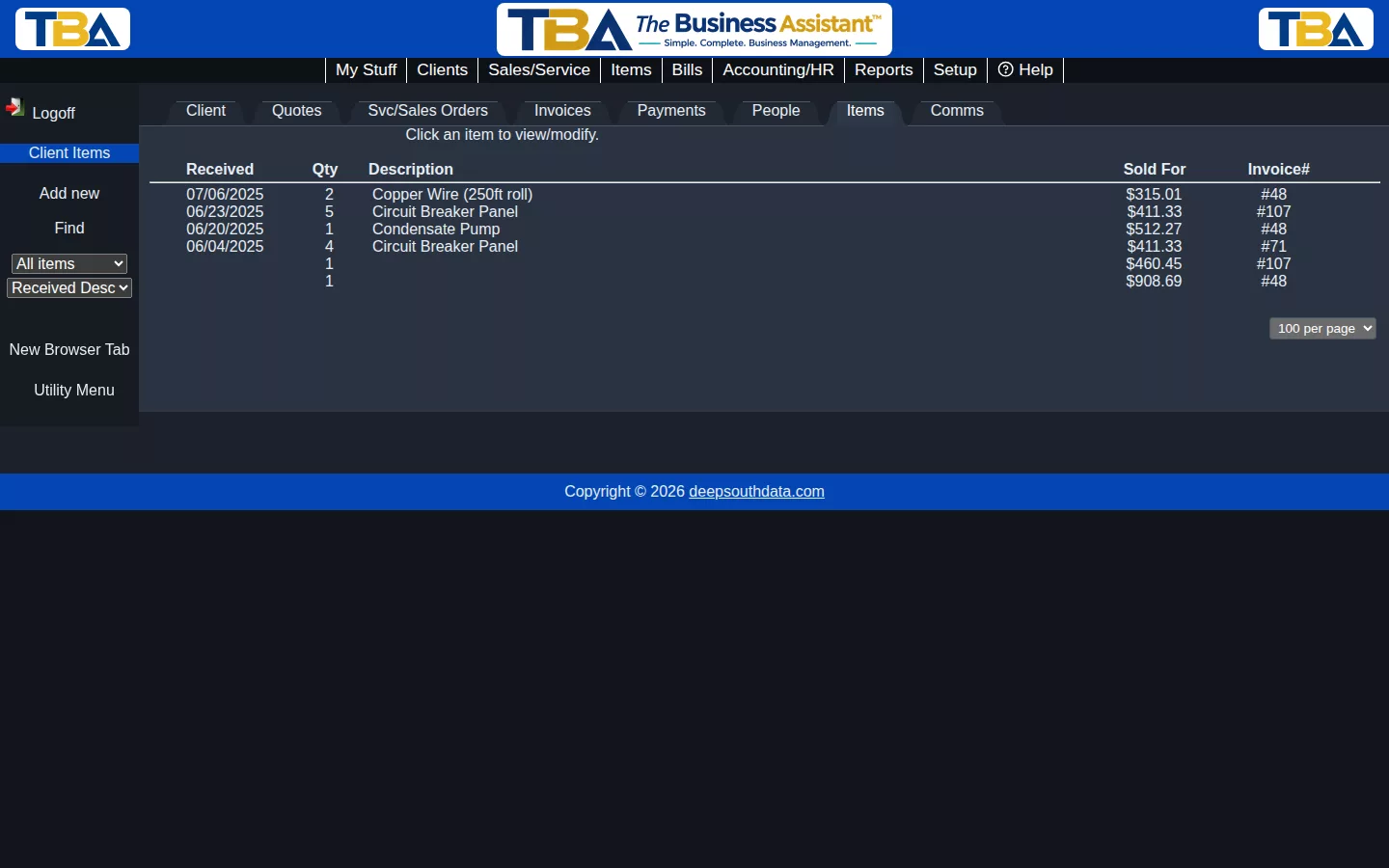
This list is built automatically as you invoice the client for items — there’s nothing to set up. It’s a quick way to answer “what have we sold this client, and when?” without digging through old invoices one at a time.
Filtering and Sorting #
Use the All items / Active items / Inactive items dropdown and the sort dropdown in the sidebar to narrow down a long list.
Viewing an Item #
Click any row to see more detail about that specific item and the invoice it was sold on.


