
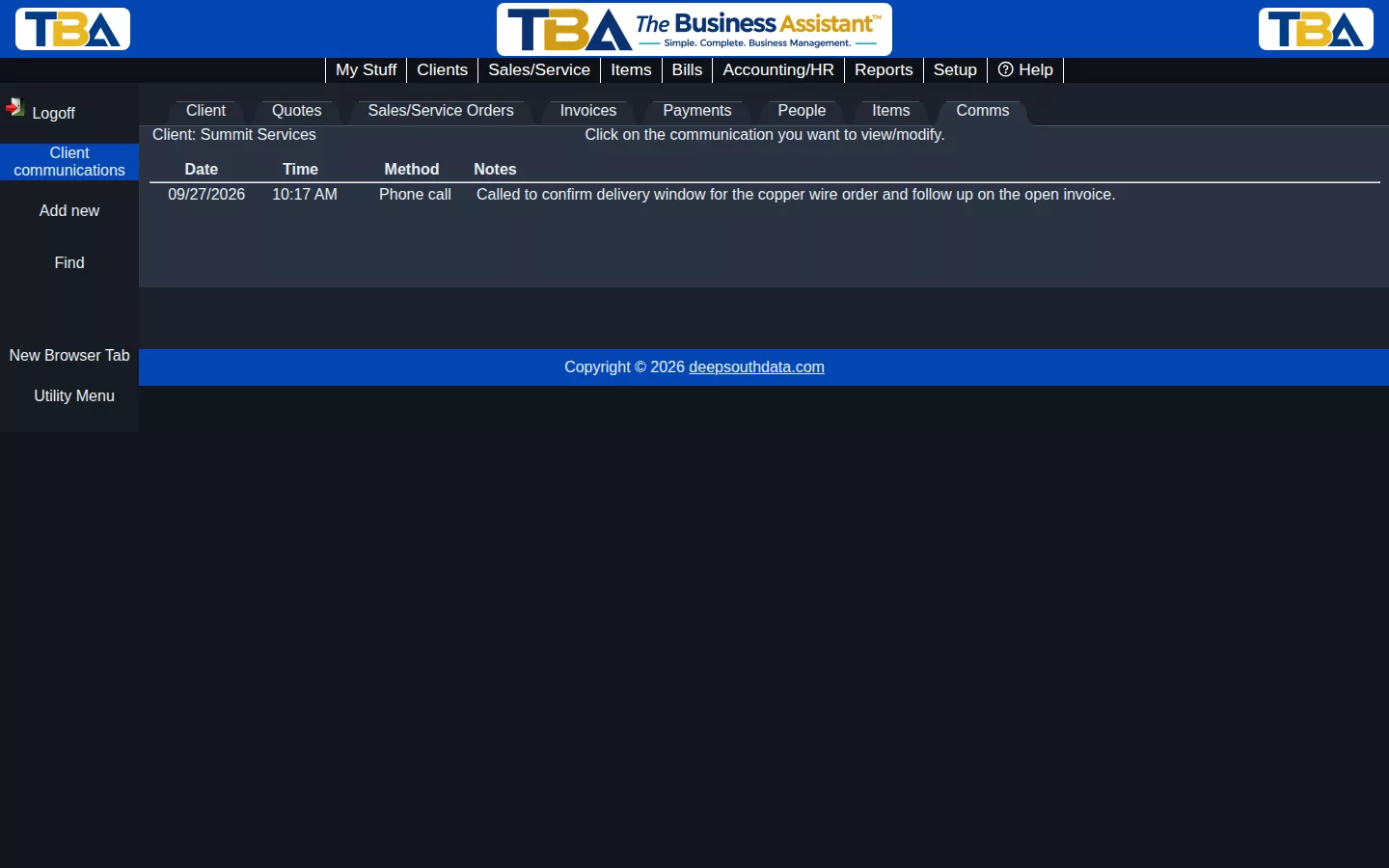
The Comms tab in Client View is a running log of every communication you’ve had with a client — phone calls, texts, emails, meetings, or anything else worth remembering.
Logging a Communication #
Click Add new, choose the Communication method (phone call, text, email, Teams/Zoom meeting, in person, or other), and fill in the start/end time and your notes. You can also record who participated.
Why Keep a Log #
If more than one person on your team works with a client, this log keeps everyone on the same page — anyone can open the client and see the full history of contact, not just their own.
Finding a Communication #
Use Find in the sidebar to search past communications, or click any row in the list to view or edit it.


