
Banking covers everything to do with your bank and credit card accounts: browsing the register, grouping payments into deposits, importing your bank’s data, and reconciling against a statement. Reach it from Accounting/HR → Banking, or from the Banking tile on the Accounting Overview page.
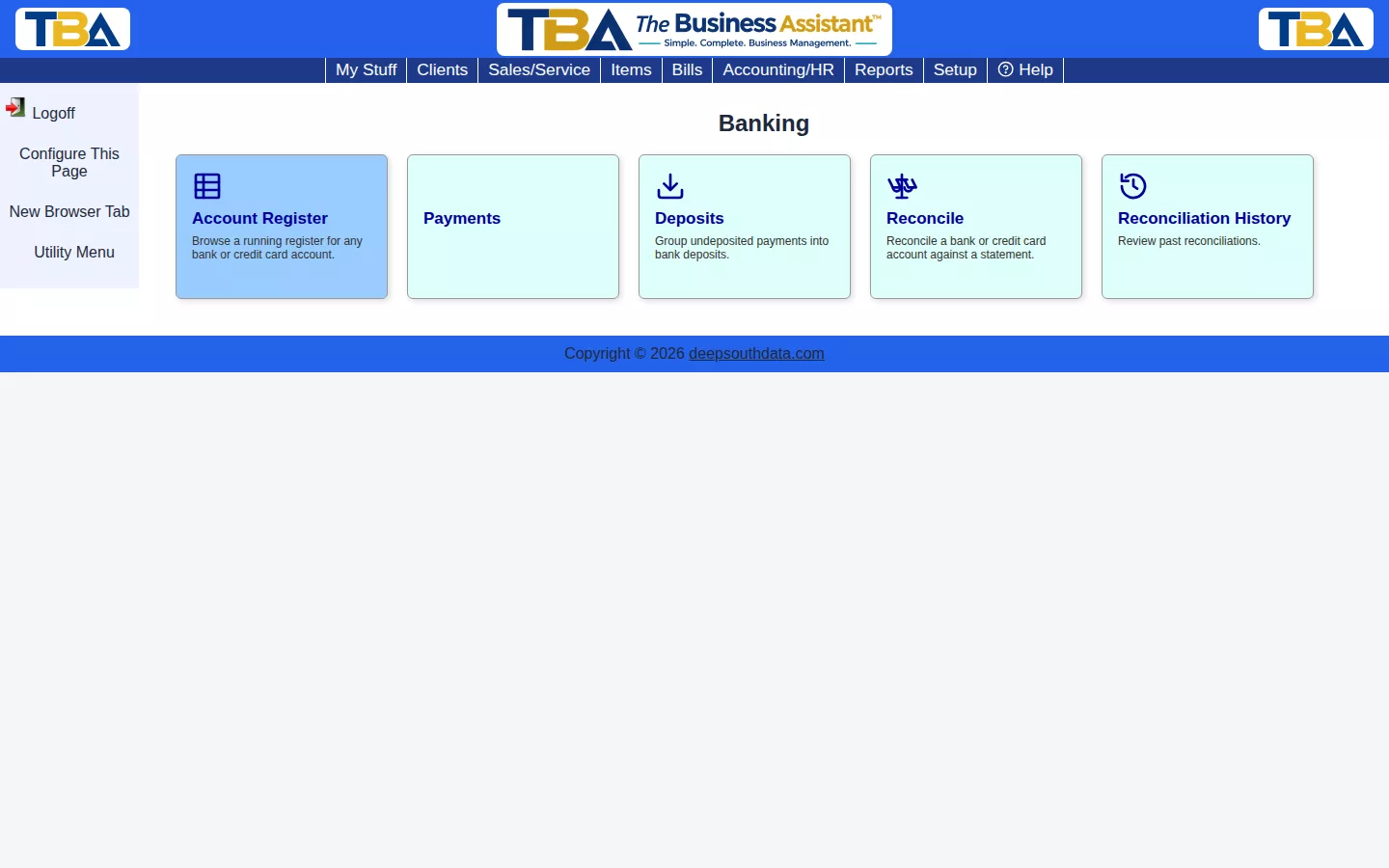
- Account Register — a running register for any bank or credit card account.
- Payments — the same Client Payments feature covered under Sales/Service. Money your clients pay you.
- Deposits — group undeposited client payments into bank deposits.
- Bank Data Import — upload your bank’s file and match each transaction to your books automatically.
- Reconcile — reconcile an account against a statement. Reconciliation History lists the ones already finished, where you can review or reopen them.
How the Pieces Fit #
- A client pays you: record a Client Payment. It waits in Undeposited Funds.
- You take the money to the bank: make a Deposit.
- You pay a vendor: use Bill Payments or Quick Payment.
- Each month, upload the bank’s file with Bank Data Import to match what your books say against what the bank says.
- When the statement arrives, Reconcile until the difference is zero.
Which of these a user can open depends on their permissions; see Users and Permissions. You can rearrange or hide the tiles on this page; see the Configure This Page link at the top.


