
Paid time off is set up in three places under Setup > Company: Leave Types (the kinds of leave), Leave Policies (how each is earned and carried over, and who gets it) and Company Holidays. Balances are shown on Leave Balances and requests are made on Leave Requests.
Leave Types #
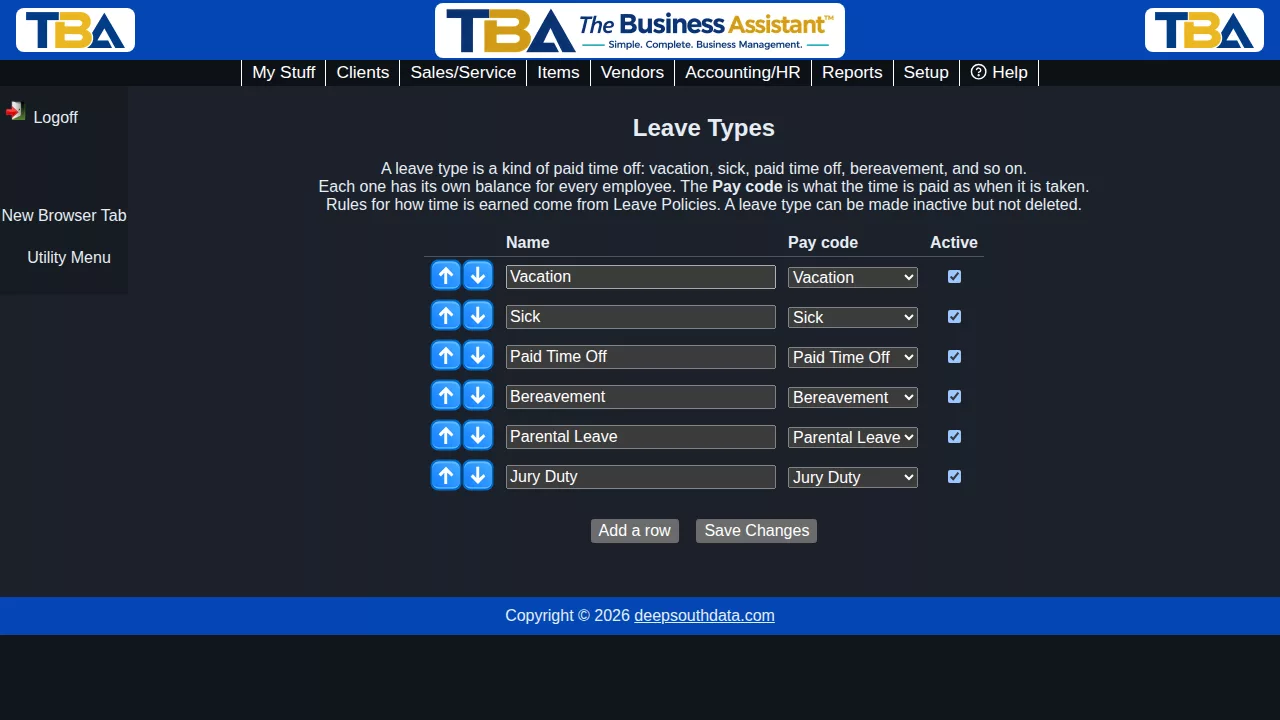
A leave type is a kind of paid time off: Vacation, Sick, Paid Time Off, Bereavement, Parental Leave, Jury Duty. Each employee has a separate balance for each type. The first time the page is opened, one type is created for each paid-leave pay code.
- Name – what people see.
- Pay code – what the time is paid as when it’s taken. When a time entry uses this pay code, the hours come off the balance for this type. Pick one marked as time off.
- Active – leave types can be made inactive but not deleted.
Leave Policies #
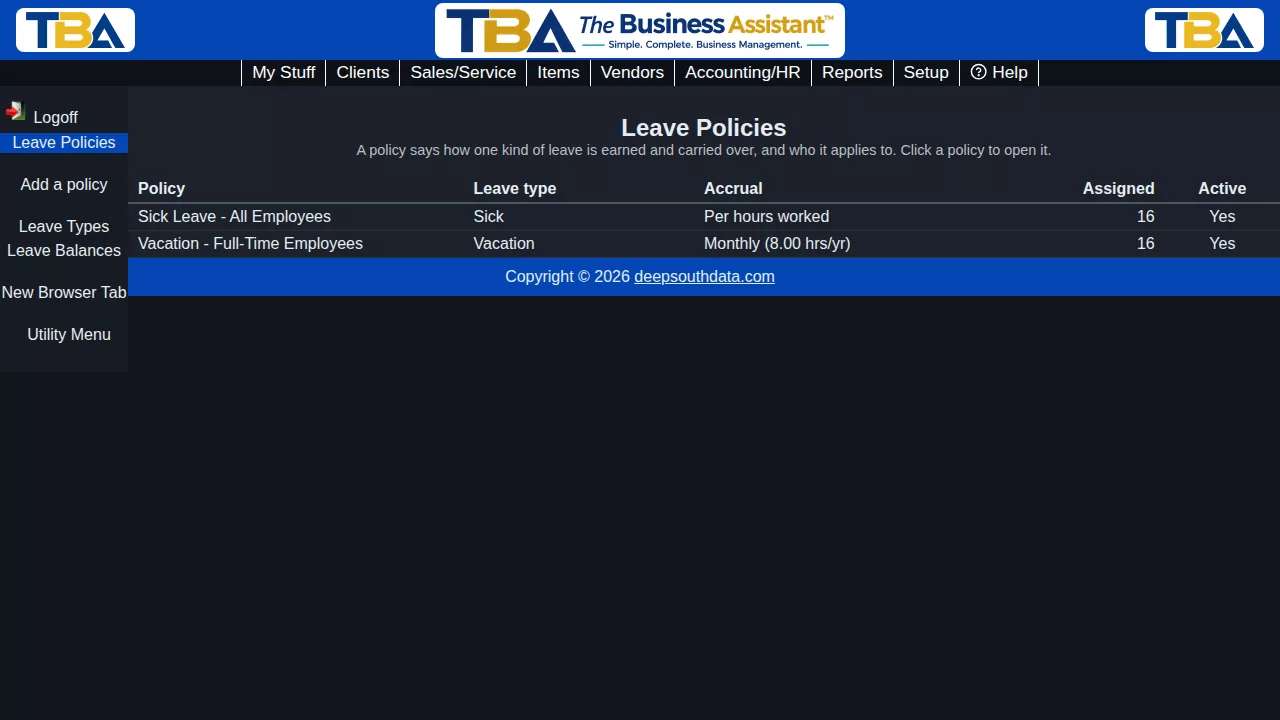
A policy says how one kind of leave is earned and carried over, and who it applies to. Use Add a policy on the list, or click a policy to edit it.
How it is earned #
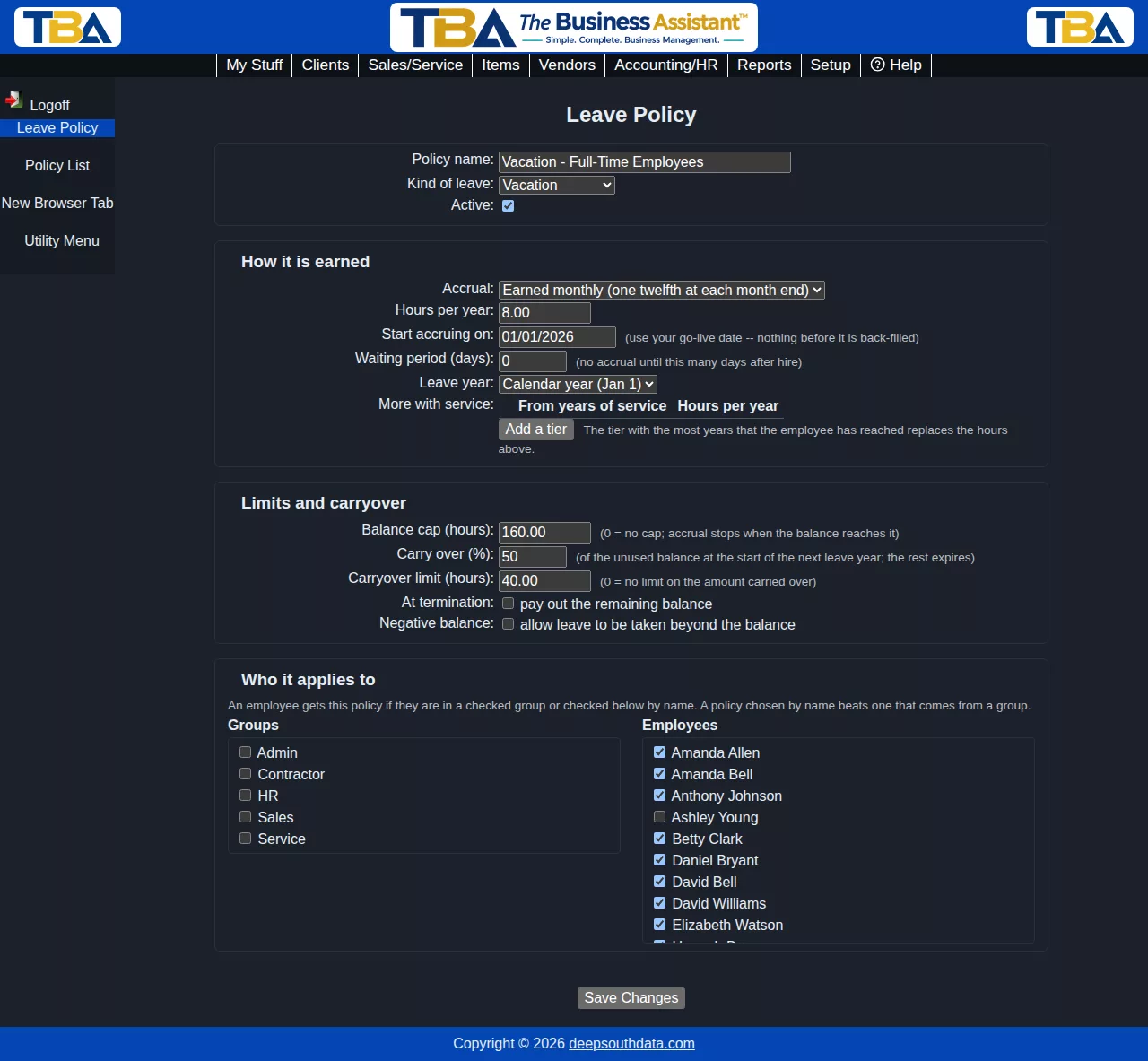
- Accrual
- Granted at the start of each leave year – the year’s hours are added all at once.
- Earned monthly – one twelfth of the year’s hours is added at the end of each month.
- Earned per hours worked – for example 1 hour earned for every 30 hours worked, credited monthly from the employee’s reconciled hours.
- No automatic accrual – balances change only by adjustment.
- Hours per year (or Hours earned and hours worked for the per-hours method).
- Start accruing on – use your go-live date. Nothing before it is back-filled, so setting it carelessly in the past would add years of leave.
- Waiting period (days) – no accrual until this many days after hire.
- Leave year – the calendar year (Jan 1) or the employee’s hire anniversary. For a yearly grant you can prorate the first grant for the part of the year left.
- More with service – add tiers such as 5 years = 120 hours. The tier with the most years that the employee has reached replaces the base hours.
Limits and carryover #
- Balance cap – accrual stops when the balance reaches it (0 = no cap).
- Carry over (%) and Carryover limit – at the start of the next leave year, this percentage of the unused balance (up to the limit) carries over and the rest expires. For example, hourly employees in a group might earn 80 hours a year and carry over 50% of what’s unused.
- At termination – pay out the remaining balance (a payout entry is recorded; the pay itself goes through your payroll).
- Negative balance – allow leave to be taken beyond the balance. If this is off and a policy applies, a time entry or request that would overdraw the balance is refused.
Who it applies to #
Check groups and/or individual employees. An employee gets the policy if they are in a checked group or are checked by name; a policy chosen by name beats one that comes from a group. If several of an employee’s groups offer different policies for the same leave type, the most generous one is used.
How balances are calculated #
An employee’s balance is the sum of their leave history: accruals, hours used, carryover write-offs, payouts and adjustments. Accruals are added when someone with payroll permission clicks Run Accruals on Leave Balances (and automatically each night when the nightly job is set up). Running it again never adds anything twice.


