
The Sales by State report totals your invoiced sales for a period by the state of each client’s address. Use it to see where your customers are, and to watch the sales and invoice counts that can create a sales-tax obligation in a state you don’t collect tax in yet.
Options #
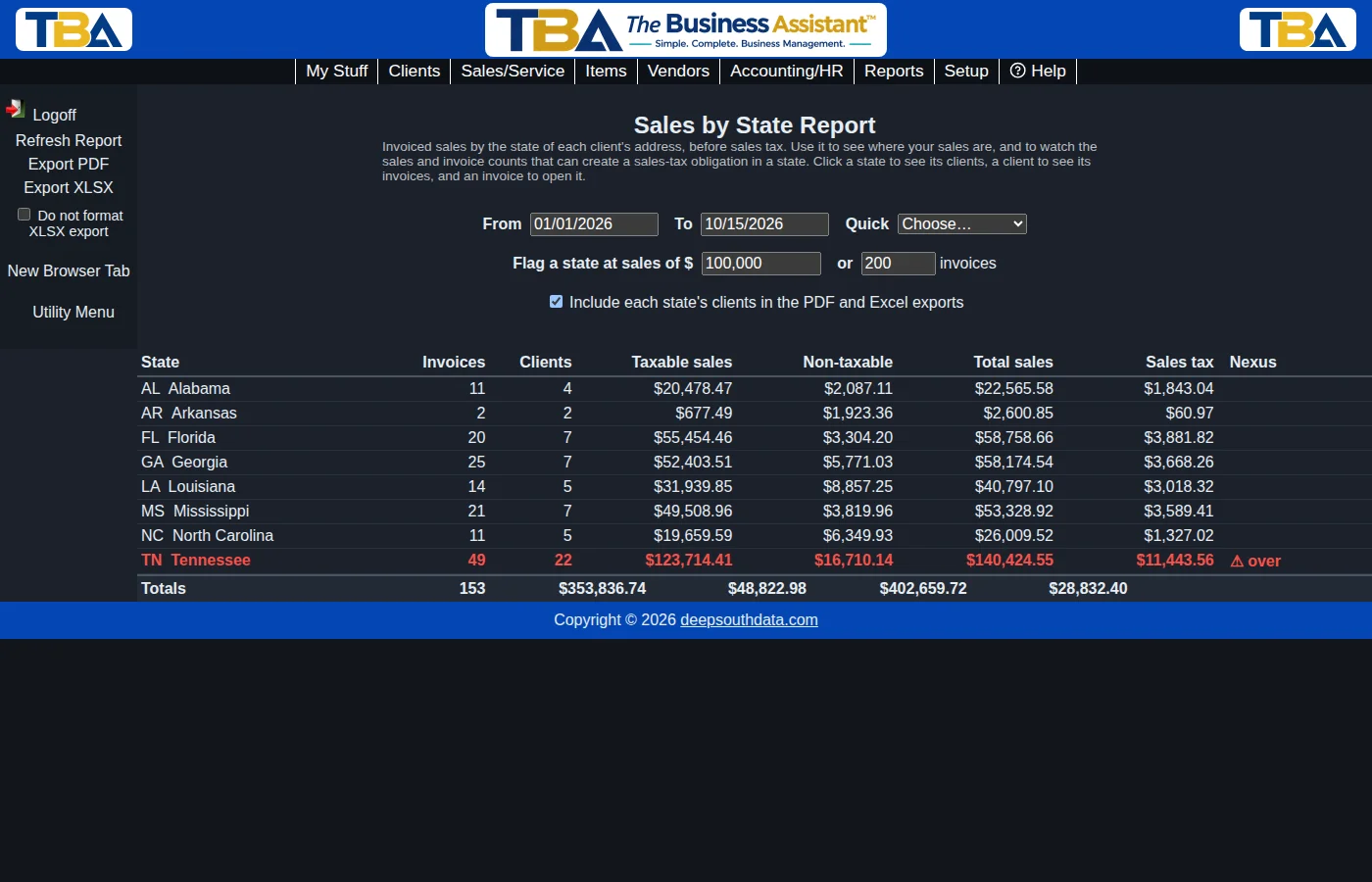
Set a From and To date, or choose a Quick range: This year, Last year, Last 12 months, or This month. If you have more than one site you can limit the report to one Site. The report opens for the year to date.
Flag a state at sales of $ … or … invoices is for watching sales-tax thresholds. Many states require an out-of-state seller to register once its sales into the state pass a set amount (often $100,000) or number of transactions (often 200) in a year. Type the amounts that apply to you; any state at or over either one is shown in red with a warning mark in the Nexus column. Leave a box blank or 0 to ignore that test. TBA only counts — it does not know each state’s rules, so check the thresholds with your accountant or the state.
The Columns #
Each row is one state. Invoices is how many invoices were issued to clients in that state, and Clients how many different clients. Taxable sales and Non-taxable add up the invoice lines marked taxable or not; Total sales is the two together, before sales tax; Sales tax is the tax actually charged on those invoices. The bottom row totals everything. Voided invoices are left out.
The state comes from the client’s first address. A client with no address, or an address with no state, is grouped under (No state) so the totals always match your invoices. The row for your own company’s state is marked (your state).
Drilldown #
Click a state to see its clients with their invoice counts and amounts, largest first.
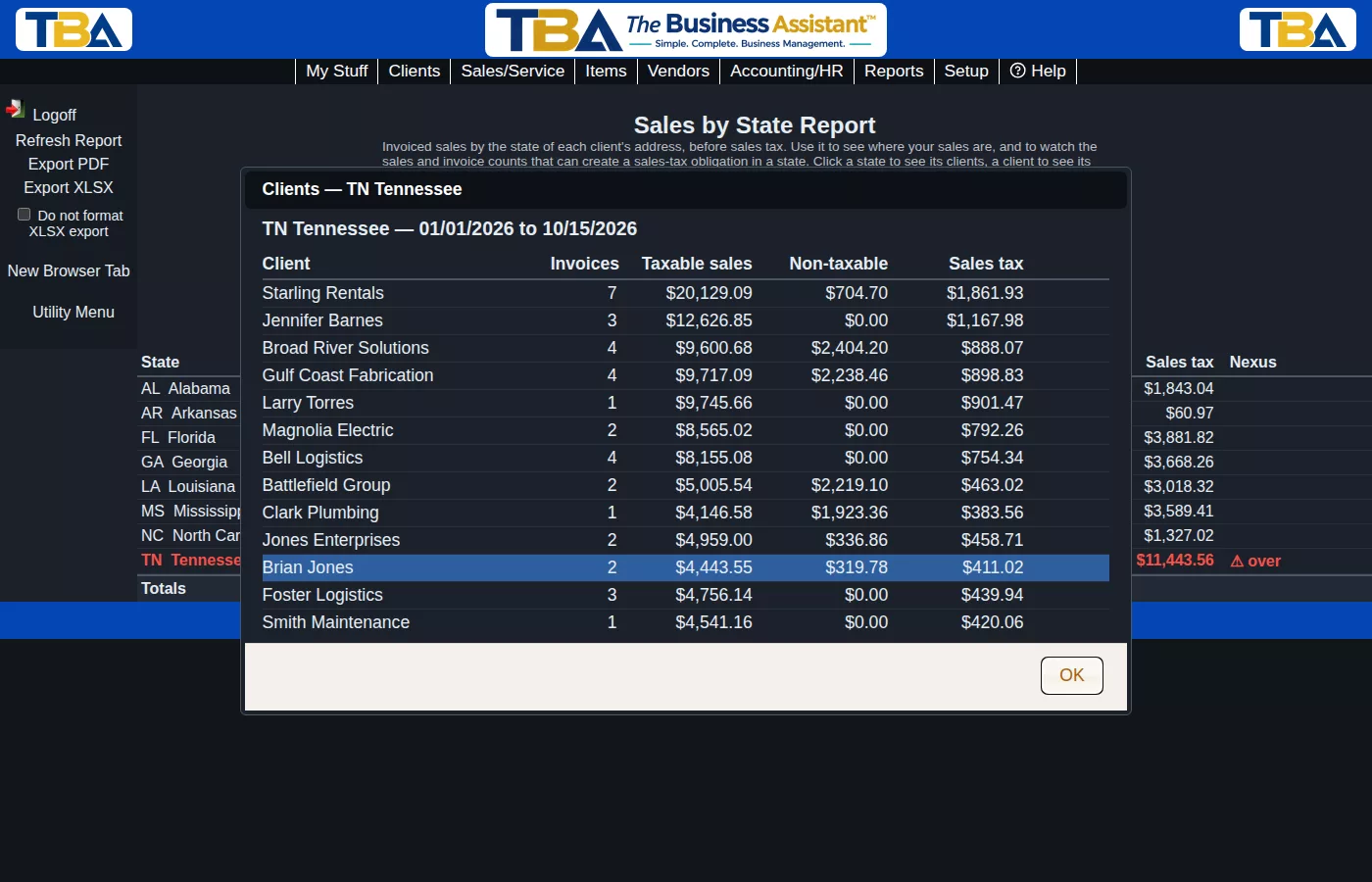
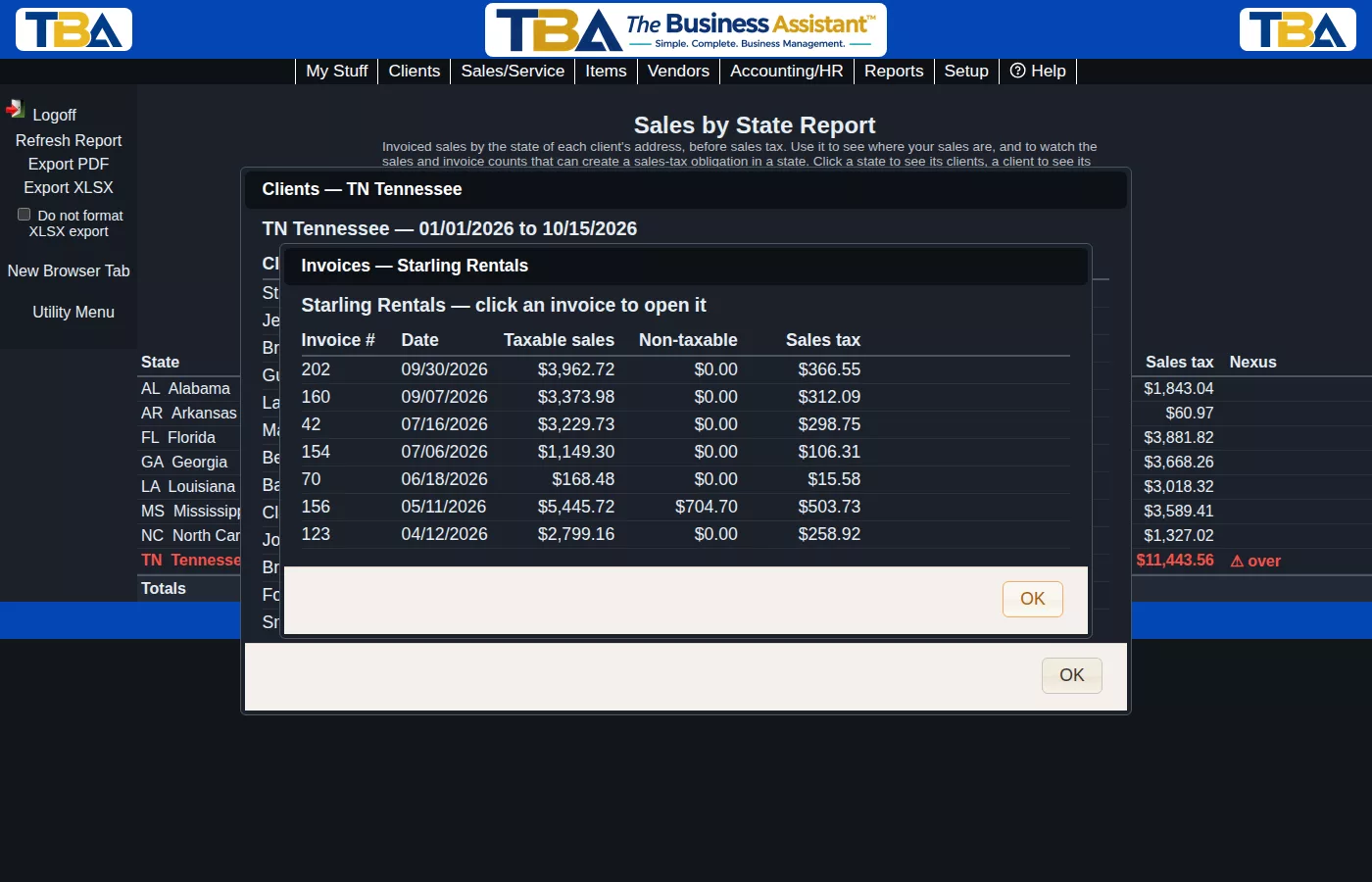
Click a client to see its invoices in the period, and click an invoice to open it. Every level adds up to the one above it.
Exporting #
Export PDF and Export XLSX save a copy of the report. Leave Include each state’s clients in the PDF and Excel exports checked to add the client detail: it follows each state in the PDF and is a second sheet, Clients, in the spreadsheet. The thresholds you typed are used in the exports too.
You need permission to view financial reports to run it, and permission to export reports to save a PDF or spreadsheet. It is under Reports > Sales Reports. See also Sales Summary, Sales Tax Liability and Reports Overview.


