
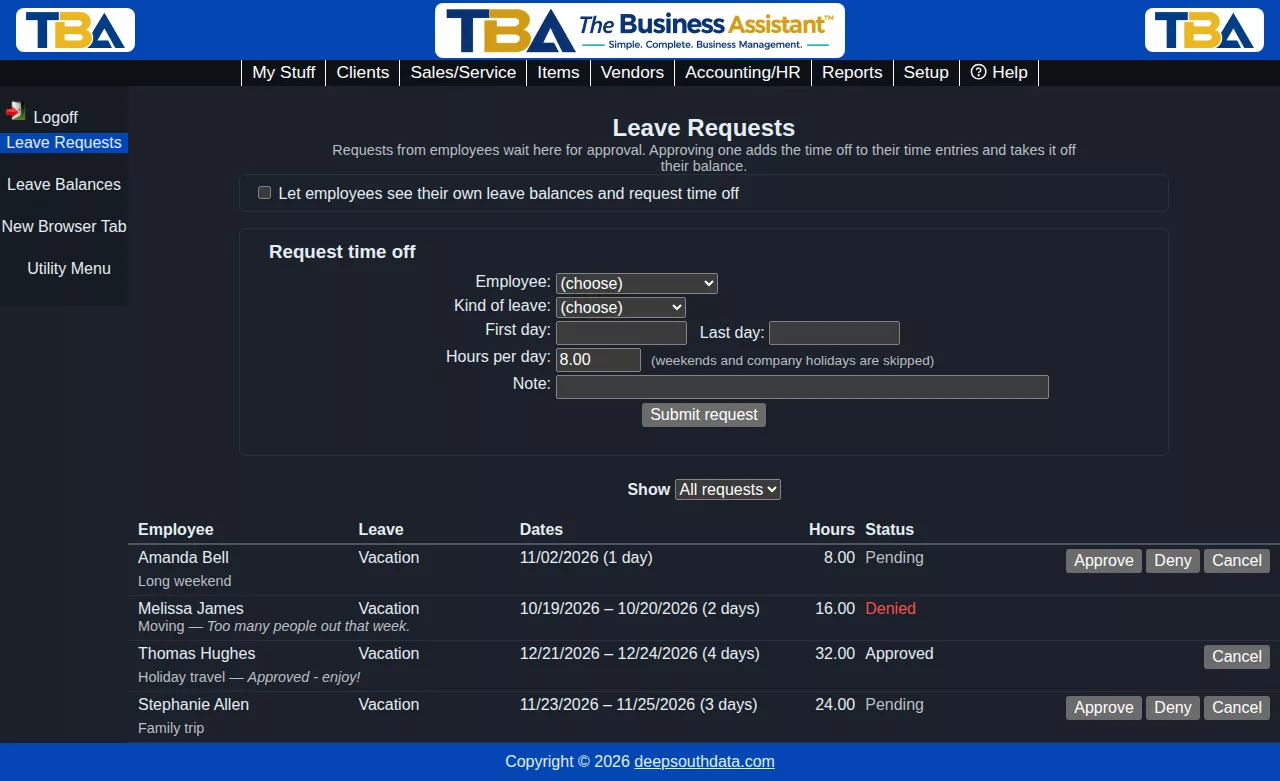
Leave Requests (HR/Payroll > Leave Requests, or My Stuff > Leave Requests) is where time off is requested, approved and tracked. What you can do depends on your permissions:
- Payroll administrators see every request, can enter a request for any employee, and approve or deny.
- Employees see and make their own requests, but only if an administrator has turned on Let employees see their own leave balances and request time off (a checkbox at the top of the page, visible to administrators). Employees also need the personnel time permission.
Requesting time off #
- Choose the Employee (administrators only) and the Kind of leave.
- Enter the First day and Last day, and the Hours per day (8.00 by default).
- Add a Note if you like, then click Submit request.
Weekends and company holidays are skipped, and TBA tells you how many working days the request covers. A request can cover up to a year, and can’t overlap another pending or approved request for the same person. The kind of leave must have a pay code.
The list #
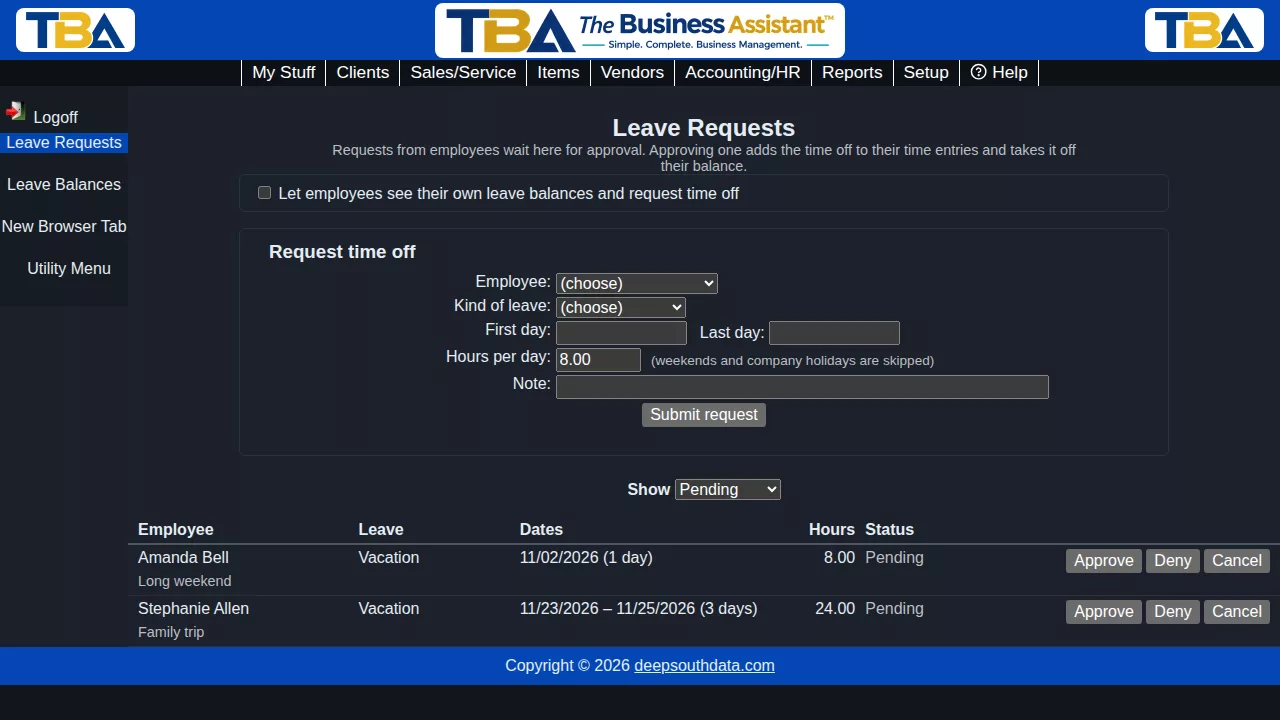
Requests are listed newest first with the dates, working days, hours, status (Pending, Approved, Denied or Cancelled) and any notes. Use Show to filter by status. The balances at the top (“Your balances”) are your own.
Approving and denying #
Administrators click Approve or Deny on a pending request and can add a note the employee will see.
- Approving creates a time entry for each working day (8:00 am, for the hours per day, using the leave type’s pay code). The hours reach the timesheet and pay run, and come off the employee’s balance. If the policy doesn’t allow a negative balance and there isn’t enough, nothing changes and you’re told how much is available.
- Approval is refused if any of the days falls in a pay period that has been locked by an approved pay run.
- Denying just records the decision.
Cancelling #
A pending request can be cancelled by the person who made it or an administrator. An approved request can be cancelled by an administrator, or by the employee before it starts. Cancelling an approved request removes its time entries and puts the hours back on the balance.
See also Leave Balances and Leave Types and Policies.


